What is telematics for a construction fleet?
GPS, odometer, battery, fuel and engine codes: understand which telematics data actually helps you run six construction trucks.
- Author
- Allokit
- Published
- Reading time
- 8 min

Telematics means collecting data from a vehicle, transmitting it, and using it in software. For a construction contractor, the value is concrete: knowing which truck can roll, which one is coming up on service, and which one deserves a look before you commit a crew to it.
The word joins telecommunications and computing. But with six trucks, you are not buying a definition. You are trying to avoid the 6:30 a.m. departure that fails, the wasted trip, and the odometer reading you have to chase down by calling everyone.
Here are the data points worth understanding, their limits, and a method for deciding which ones deserve your attention.
How telematics works in a truck
A common setup combines four things: a device installed in the vehicle, a position receiver, a communication link and software. The device can plug into the OBD-II port, the vehicle's diagnostic interface. Other installations need a harness or a purpose-built integration.
The GPS receiver calculates a position. The connection to the vehicle allows certain available data to be read. The network sends those observations to the platform, where they become trips, states or alerts. The date and time on each reading are what tell you whether it is recent.
These are separate functions: a GPS position does not come from the OBD port, and an OBD connection does not guarantee that everything on the dashboard is accessible. In areas without coverage, reporting can be delayed; check the storage and re-transmission capabilities of whatever hardware you choose.
The GPS for vehicles and OBD data page sets out the Allokit approach and what to confirm for your own fleet.
What does OBD actually report?
The answer depends on the vehicle and the device. Year, make, engine and protocols all affect what can be read. A serious supplier should be able to distinguish a value that was read, one that was estimated, and one that is unavailable.
Geotab's technical documentation illustrates that variability: its compatibility matrix describes engine data availability across similar vehicles. That is not a guarantee of compatibility for a different device. Source: Geotab compatibility documentation.
| Data point | What it represents | Use on the jobsite | Limit to check |
|---|---|---|---|
| Odometer | Mileage read from the vehicle, where accessible | Planning service by distance | Tell a real reading from an estimated GPS distance |
| Electrical voltage | Voltage measured by the device or received from the vehicle, depending on hardware | Spotting an unusual power draw | Does not, on its own, give battery health |
| Fuel level | Tank level where the data is available | Preparing a departure or catching a low tank | A percentage is not consumption measured in litres |
| Engine codes | Diagnostic codes the device can access | Directing a check before a new assignment | Some codes and modules stay out of reach |
| Ignition and engine activity | States or events available depending on the install | Understanding usage and idle periods | Check how a "stop" or "idling" is calculated |
| Position, trips and speed | Observations from the location system | Coordinating movements | These are not all OBD readings |
For Allokit, battery, fuel and certain engine codes are conditional on compatibility. Have the availability and source of the odometer confirmed on each of your models too, before you base servicing on that reading.
A Tuesday morning with six trucks
The scenario below is hypothetical. It shows how to read a six-truck fleet; it does not present real Coboss readings.
| Vehicle | Information available | Useful decision |
|---|---|---|
| Truck 01 | 48,720 km; service due at 50,000 km | 1,280 km to go: book a service window based on expected usage |
| Truck 02 | Unusual voltage after a weekend parked | Have the electrical system checked before it goes out |
| Truck 03 | Low fuel level, recent and compatible reading | Plan a fill-up before a distant jobsite |
| Truck 04 | New engine code accessible to the device | Pass the code to whoever handles mechanics and decide from there |
| Truck 05 | Last position at Jobsite B yesterday at 4:42 p.m. | Confirm availability; do not treat that position as current |
| Truck 06 | Tool assigned to the truck, no recent detection | Have the load checked before promising that tool to another crew |
The table is not trying to multiply indicators. Each line has to lead to an action, with a person responsible and a deadline. Otherwise the information joins the pile of notifications nobody reads.
Allokit grew out of problems lived at Coboss, including the tool losses described in our story. That experience is why vehicle tracking and equipment tracking sit together here. It is not a substitute for a documented measurement of fuel or maintenance savings on a fleet.
Battery, fuel and engine codes: avoiding false shortcuts
Low voltage is not a battery diagnosis
A voltage reading shifts depending on whether the engine is running, whether the vehicle is at rest, and what accessories are drawing power. Cold adds context of its own. Look at the trend and the measurement conditions, and get the problem confirmed before replacing a part.
Telematics systems can raise low-battery states from a voltage and a duration. Those thresholds belong to the device: one supplier's values should not be copied as a universal rule. Source: Geotab device states.
A fuel level is not a fuel bill
Going from 70% to 40% is not enough to calculate an exact cost. You need the tank capacity, the reliability of the reading, the fill-ups and the distance covered. To compare two trucks, factor in loads, routes and the work actually done.
A low level is practical information for the next departure. A conclusion about consumption needs more context.
An engine code tells you where to look
A diagnostic code helps direct an inspection. On its own it does not prove which part needs changing. The device does not necessarily read transmission or ABS modules, or every manufacturer-specific code. Agree on a procedure with whoever maintains the vehicles.
Which alerts to keep, and which to set aside
Start with three needs: servicing to prepare, an anomaly that needs a check, and a movement that changes jobsite coordination. For each alert, say who receives it and what they are expected to do.
Keep the detailed histories for investigations and reviews. A second-by-second speed graph, or a pile of electrical fluctuations, does not need to occupy the foreman's front page if no daily decision depends on it.
Even idling needs context. An engine running while stopped may be meeting a work requirement. Check the situation, and how the system defines the event, before reading it as an avoidable expense. The documentation for a system like Geotab shows that these rules combine several conditions. Source: telematics rule conditions.
Connecting trucks to the tools they carry
A truck can arrive at the right address with the wrong load. This is where fleet telematics and tool management complete each other.
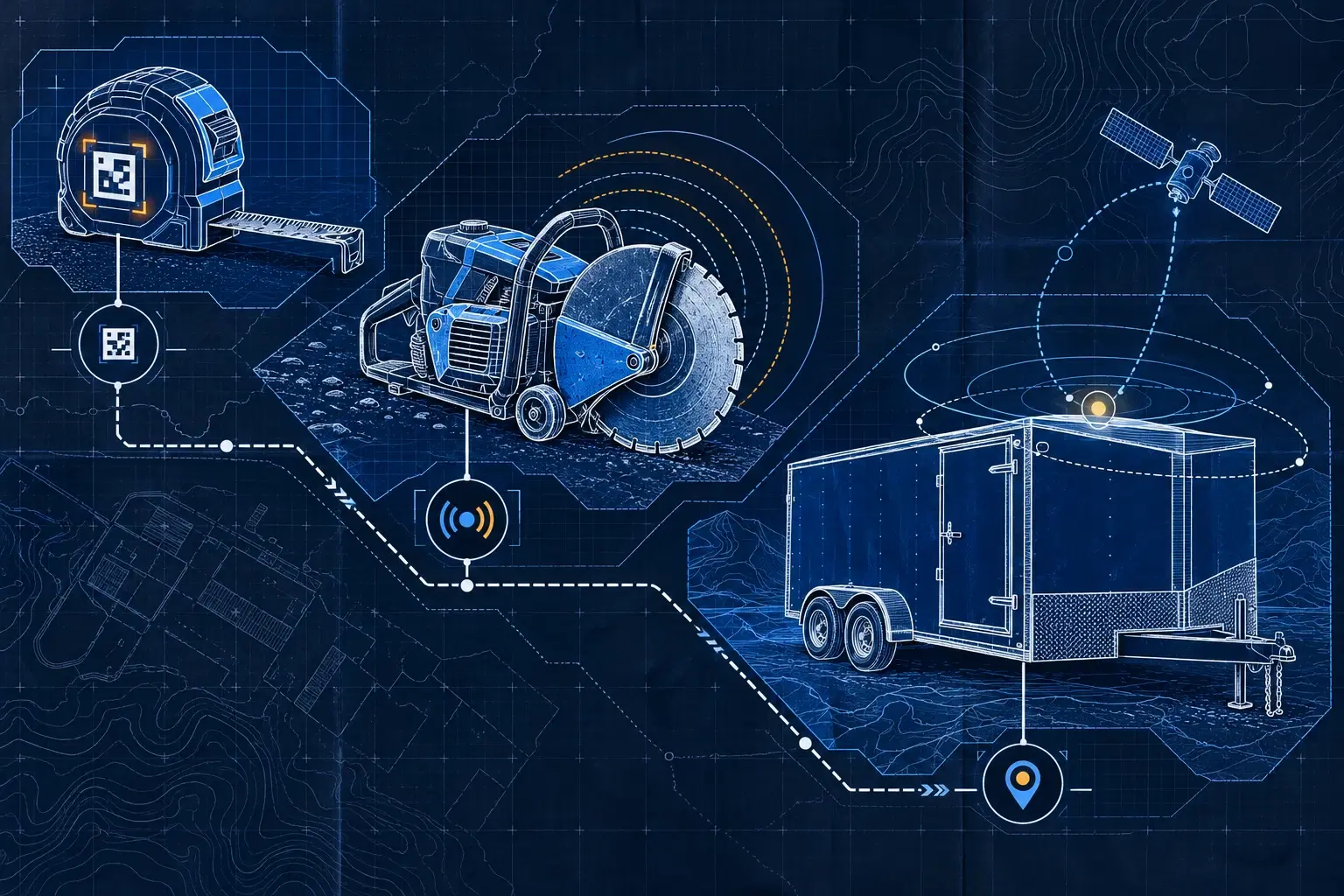
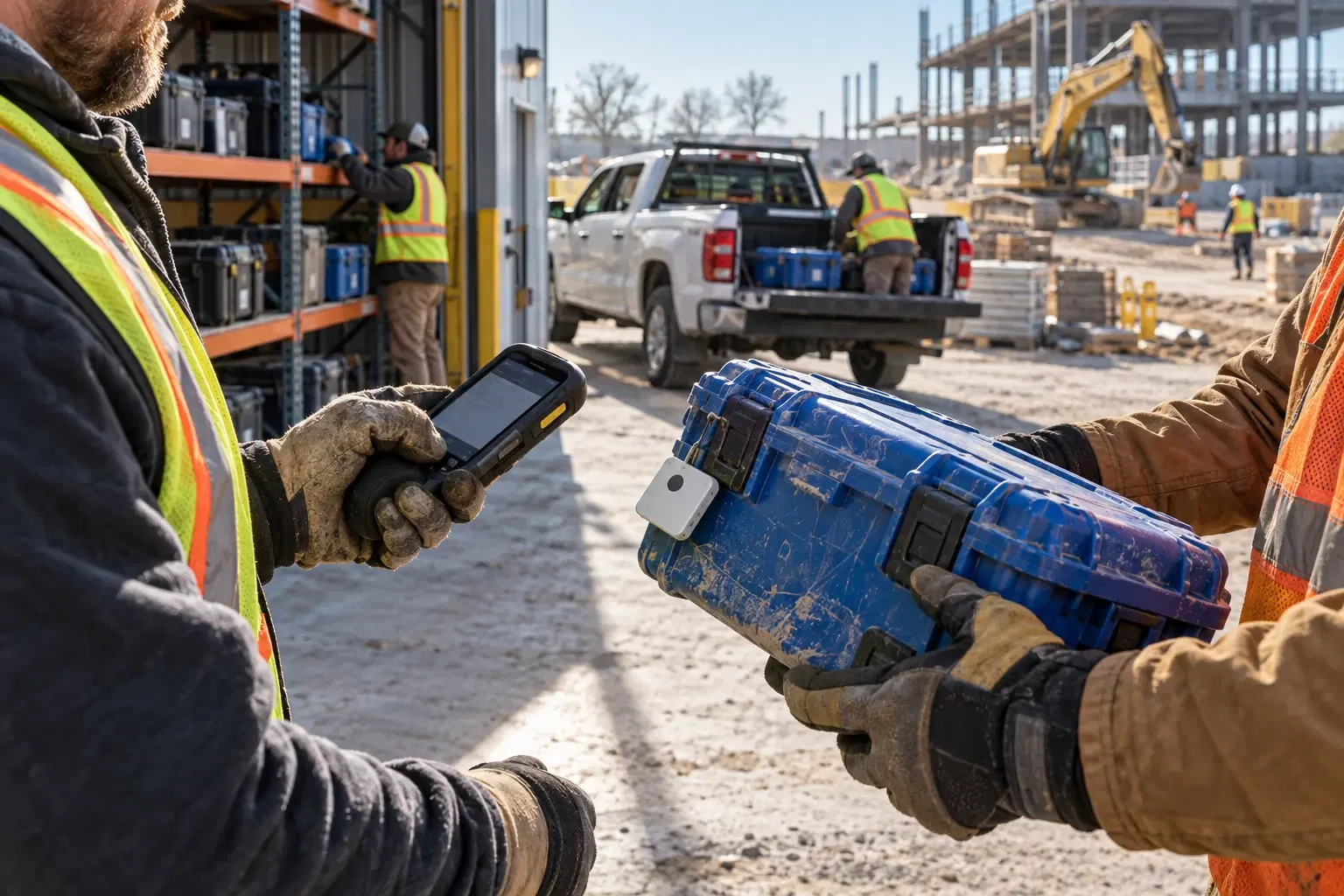
In Allokit, Bluetooth trackers let compatible vehicles and gateways detect tools nearby. The record then shows an observation at a given time. A manual assignment, by contrast, says where the tool is supposed to be. Read both, without confusing them.
For a trailer left alone on the jobsite, GPS for equipment answers a different need: reporting its own position. Our QR, Bluetooth or GPS decision rule helps spread these technologies out without equipping every asset the same way.
Testing telematics before equipping the whole fleet
Trial it on representative vehicles, especially where years and engines differ. During the test:
- Compare the data actually available against what was promised at the outset.
- Check the odometer reading and flag estimates explicitly.
- Test the usual routes, the parking, and the areas with weaker coverage.
- Check how fresh the data is and which alerts genuinely arrive.
- Measure the interventions triggered and the management time added.
To work out the return, add up hardware, installation, connectivity, software and monitoring time. Compare that against the trips, delays and searches you actually avoided. Keep money not spent separate from hours merely freed up; our method for calculating costs gives an example.
Have six trucks, or a fleet that is growing? Bring the list of makes, models and years to Allokit. We can look at which data is compatible, and which of it actually answers your field decisions.