Construction asset tracking: knowing where your tools are and who has them
Set up asset tracking for your construction equipment: unique IDs, holders, history and tracking by QR code, Bluetooth tracker or GPS.
- Author
- Allokit
- Published
- Updated
- Reading time
- 4 min
Construction asset tracking is the history of what happens to each asset: where it was assigned, who took charge of it, when it was last detected and what work it has had done. It turns a list of tools into information a crew can actually use.
Good tracking does not promise to know every position to the second. It shows what you know, when you knew it and where the information came from. That distinction is what keeps you from confusing a tool that was detected an hour ago with a tool that is merely still listed against an old jobsite.
Why the history matters as much as the position
Picture a saw that is no longer in its usual trailer. A dot on a map helps, but the history answers the other questions: was it transferred? To which crew? Did it go out for repair? Was the move planned?
Without those events, a company ends up ordering a replacement or searching the wrong jobsite. With a history, it can start with the right person and stop treating every absence as a permanent loss.
Tracking also helps you find the warranty, explain a repair and set up the next assignment.
What to keep on record for each asset
Give every tool an ID that stays with it for its whole life. Two units of the same model must never share one record.
| Record | What it is for |
|---|---|
| ID, photo, serial number | Recognizing the right unit |
| Holder and assignment | Knowing who to call |
| Last location and date | Judging how fresh the information is |
| Event source | Telling a logged transfer from an automatic detection |
| Condition and service history | Checking whether the tool can go back to work |
| Purchase, warranty and documents | Deciding between repair and replacement |
Keep corrections in a history rather than overwriting old assignments. That way you can reconstruct a path when a record is disputed or incomplete.
Choosing between QR code, Bluetooth tracker and GPS
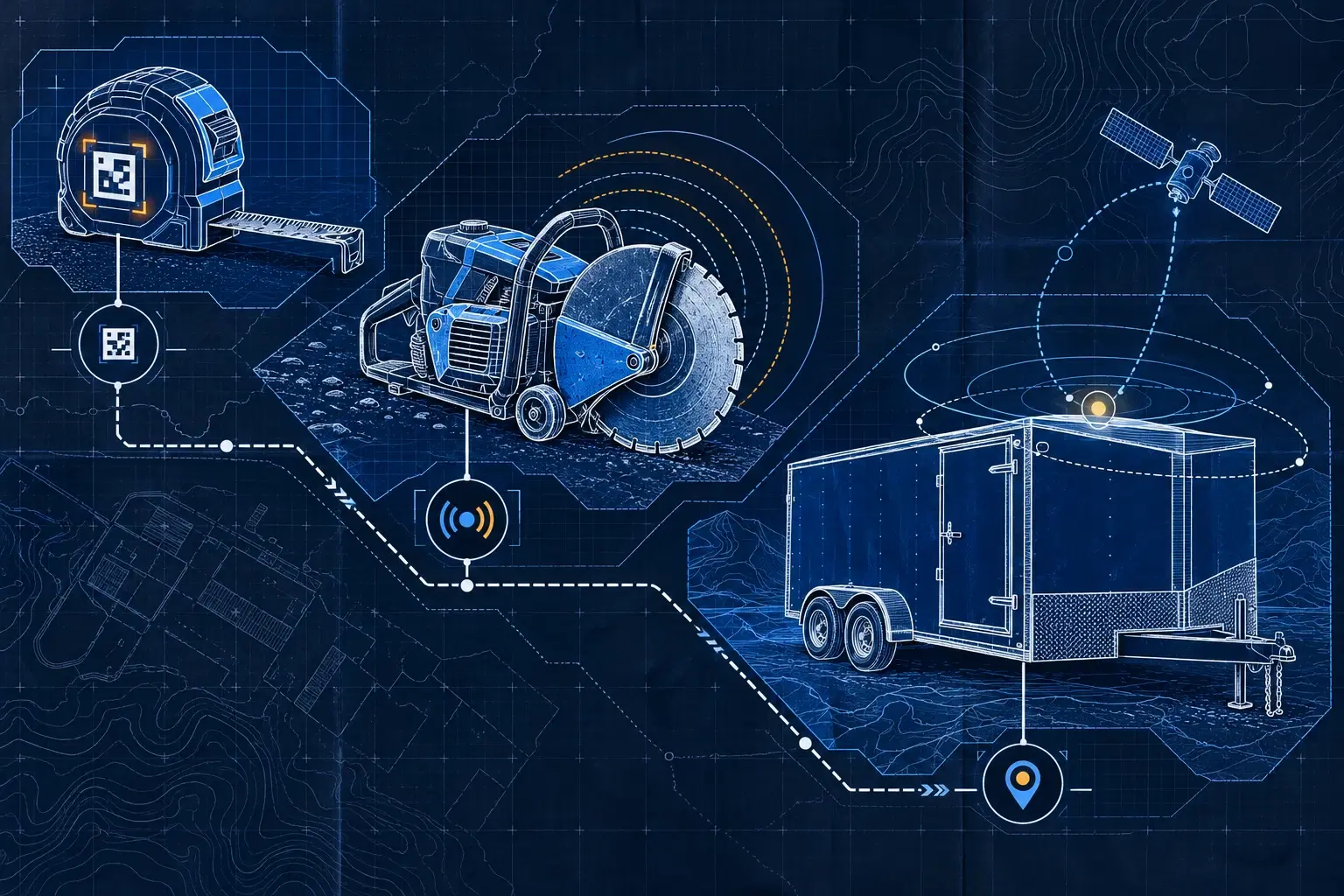
QR codes identify tools and open their record. They suit logged transfers and equipment where manual tracking stays reasonable. They produce no automatic location.
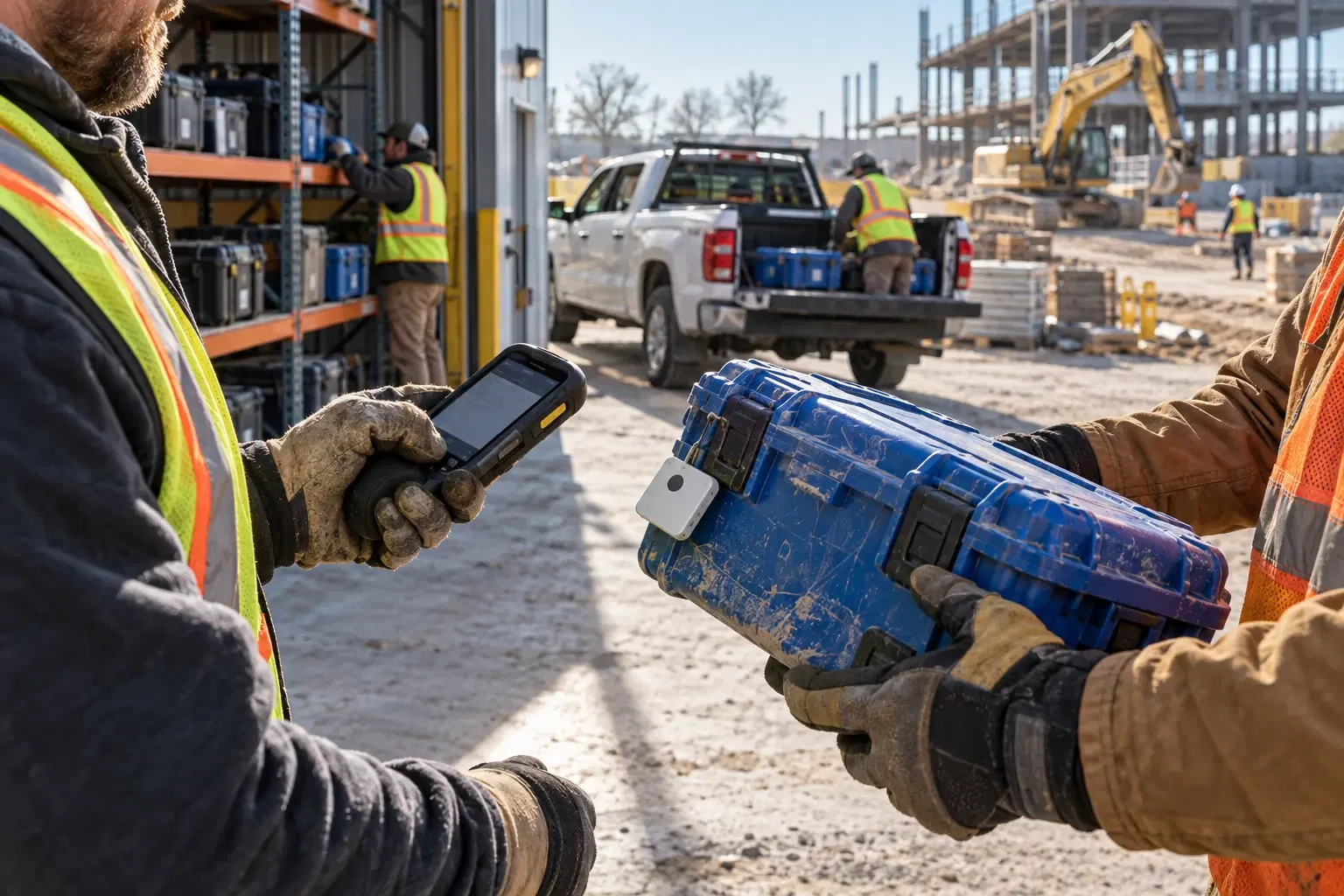
Bluetooth trackers allow proximity detection by compatible Allokit vehicles and gateways. They are useful when several tools travel together and scanning each departure would be tedious. The last detection stays tied to the coverage of that network.
GPS for equipment lets an asset report its own position, depending on how the device is configured and what connectivity it has. It suits trailers and equipment left alone on a jobsite. Power supply and reporting frequency are part of the choice.
You can combine all three in a single inventory. The guide QR, Bluetooth or GPS: what to put on which tool gives a decision rule with concrete examples.
Rolling out a process crews will actually follow
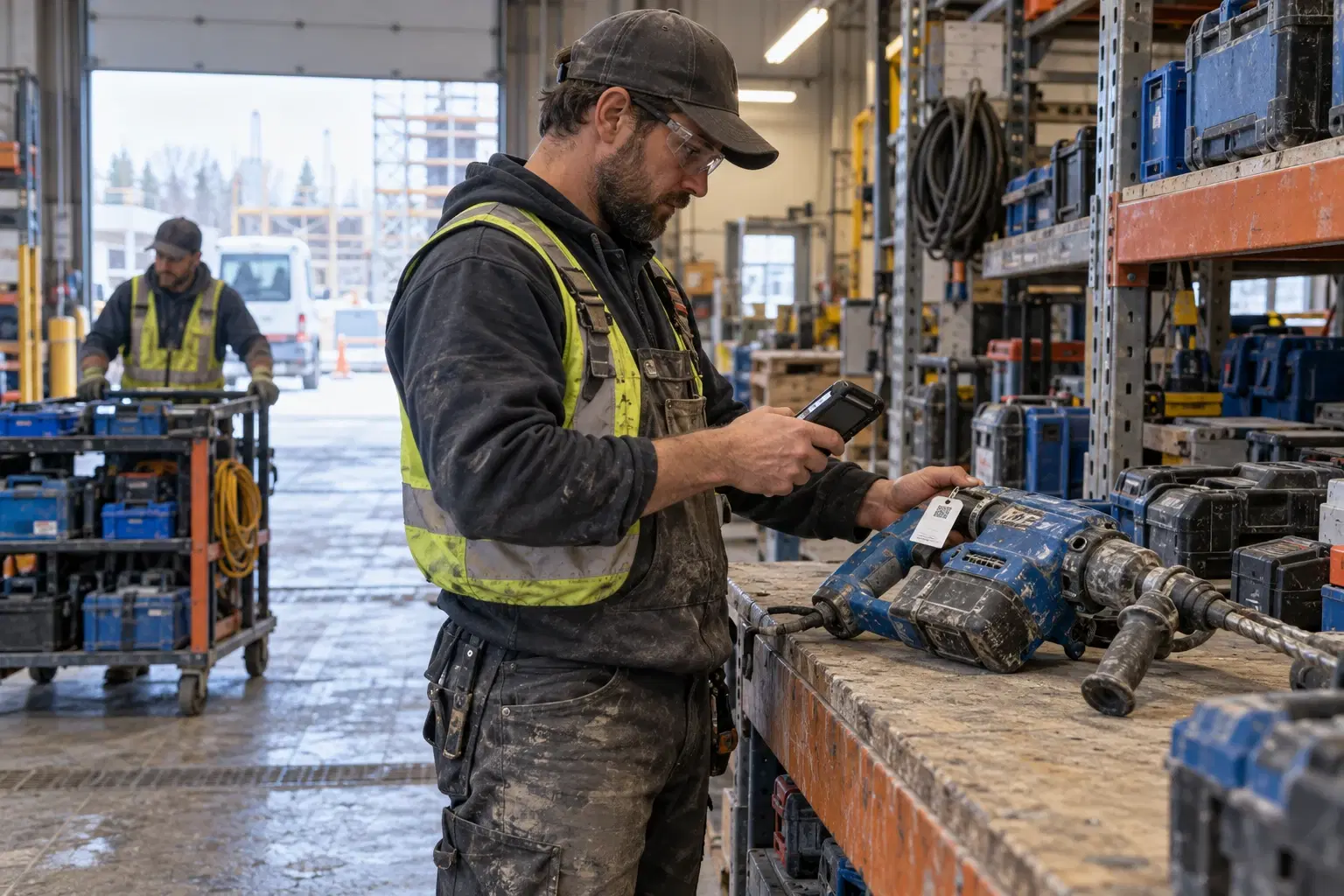
Start with the mobile or critical tools. Clean up duplicates, apply the IDs and check that they stay readable in the real environment. Do a first physical count alongside the people who use the equipment.
Then define the moments when records get updated: leaving the yard, changing crews, moving between jobsites, coming back, and going out for repair. For automatic detection, verify the places where the signal actually gets picked up — including inside job boxes and trailers.
Explain what happens when a record is missing. The crew needs to know how to correct an assignment or flag a missing tool without working around the process.
Checking that tracking stays trustworthy
Every week, review the equipment with no holder, the stale positions and the overdue returns. Compare a small sample of records against the equipment actually there. Automatic detection does not replace every physical check.
Track how long it takes to find a tool, and how many duplicate purchases you make. Those results show the value of the system far better than a count of how many tags you installed.
Allokit brings all of this together in its equipment management features. To work out which technologies fit your fleet and the way it moves, tell us how you work.