QR code, Bluetooth or GPS: what to put on which tool
A tape measure, a concrete saw, a trailer: pick the QR code, the Bluetooth tracker or GPS based on risk, usage and what the tracking costs.
- Author
- Allokit
- Published
- Reading time
- 7 min
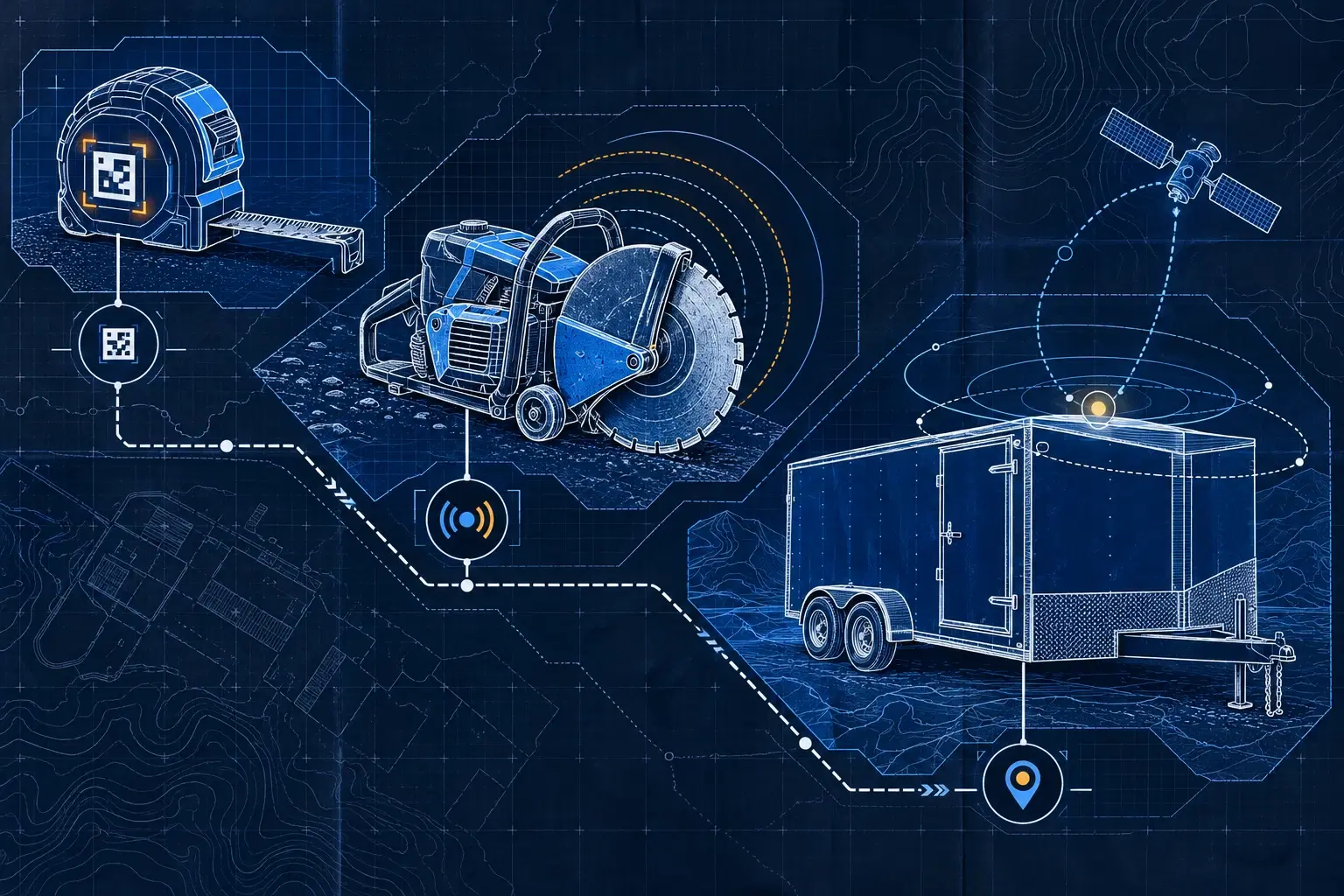
The starting rule: QR to identify, Bluetooth tracker to detect nearby, GPS for equipment that has to report its own position. From there, choose based on how the asset moves and what its absence costs.
A $40 tape measure is perfectly well served by a QR code. A $3,000 concrete saw that keeps changing trucks can justify a Bluetooth tracker. A $25,000 trailer left alone on a jobsite is worth evaluating for GPS. These figures are examples of how to decide, not universal thresholds and not product prices.
The best split is made tool by tool, within one inventory and one set of technologies.
A decision rule in three questions
1. Do you mainly need to identify the asset and its holder? Start with QR. A scan opens its record; the person logs the assignment or the transfer. This works when moves are infrequent, or when automatic tracking would cost more than the problem it solves.
2. Are missed scans the problem, and does the tool pass near compatible vehicles or gateways? Evaluate a Bluetooth tracker. Proximity detection can remove some of the repetitive handling.
3. Does the asset leave that proximity network, with a need for remote position? Evaluate GPS. Check power, coverage and the position frequency you need before choosing hardware.
| Asset and context | Starting point | Why | What to check |
|---|---|---|---|
| $40 tape measure issued to an employee | QR code | Identification and accountability, no electronics on the tool | Will every transfer really get logged? |
| $3,000 concrete saw shared between trucks | Bluetooth tracker plus QR | Automatic detection near gateways; record access on scan | Is the saw detected inside its case and on its usual routes? |
| $25,000 trailer left on the jobsite | GPS plus QR | Position reported regardless of whether a truck goes by | Power, connectivity and the gap between two positions |
| Job box full of small tools | Track the box, then the critical tools | Cut identification work without automating everything | The box being present does not prove its contents are complete |
When a QR code is enough
A QR label ties a physical ID to a digital record. It has no battery to replace and needs no cellular link of its own. The hardware cost is generally the lowest of the three approaches — though you still have to count the platform and the time spent scanning.
QR suits inexpensive tools, equipment that rarely changes hands, and items you mainly want to inspect, document or assign. It can also go on an automatically tracked machine, as a fast way to open its record and history.
Its limit is clear: a QR code transmits no position. If nobody logs the move to a new jobsite, the record keeps the previous information. Choose a label suited to the surface and put it somewhere accessible that survives real use. See Allokit QR codes.
When to move to a Bluetooth tracker
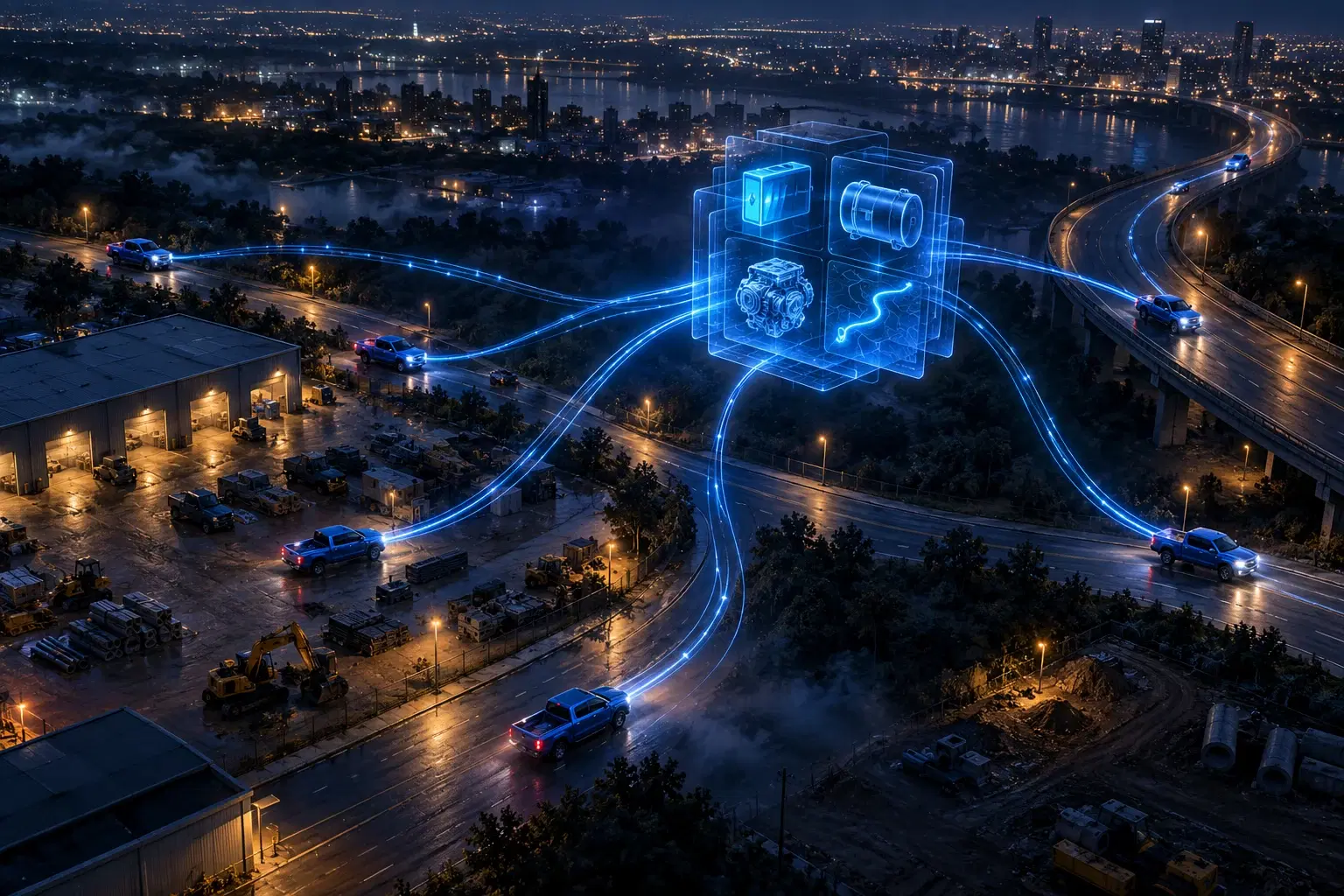
A Bluetooth tracker emits a signal that a compatible gateway recognizes. In the Allokit ecosystem, equipped vehicles and gateways can detect tools nearby. That logic suits equipment that moves often, where asking for a scan on every trip becomes unrealistic.
Take the concrete saw: it leaves with one truck, comes back to the yard, then goes out with another crew. Detection makes it easier to follow its passage near equipped points. It does not give a self-sufficient position everywhere in the territory.
Bluetooth can support several forms of location; the result depends on the infrastructure installed. Evaluate the specific system rather than crediting it with every capability the technology can have. Source: Bluetooth SIG location services.
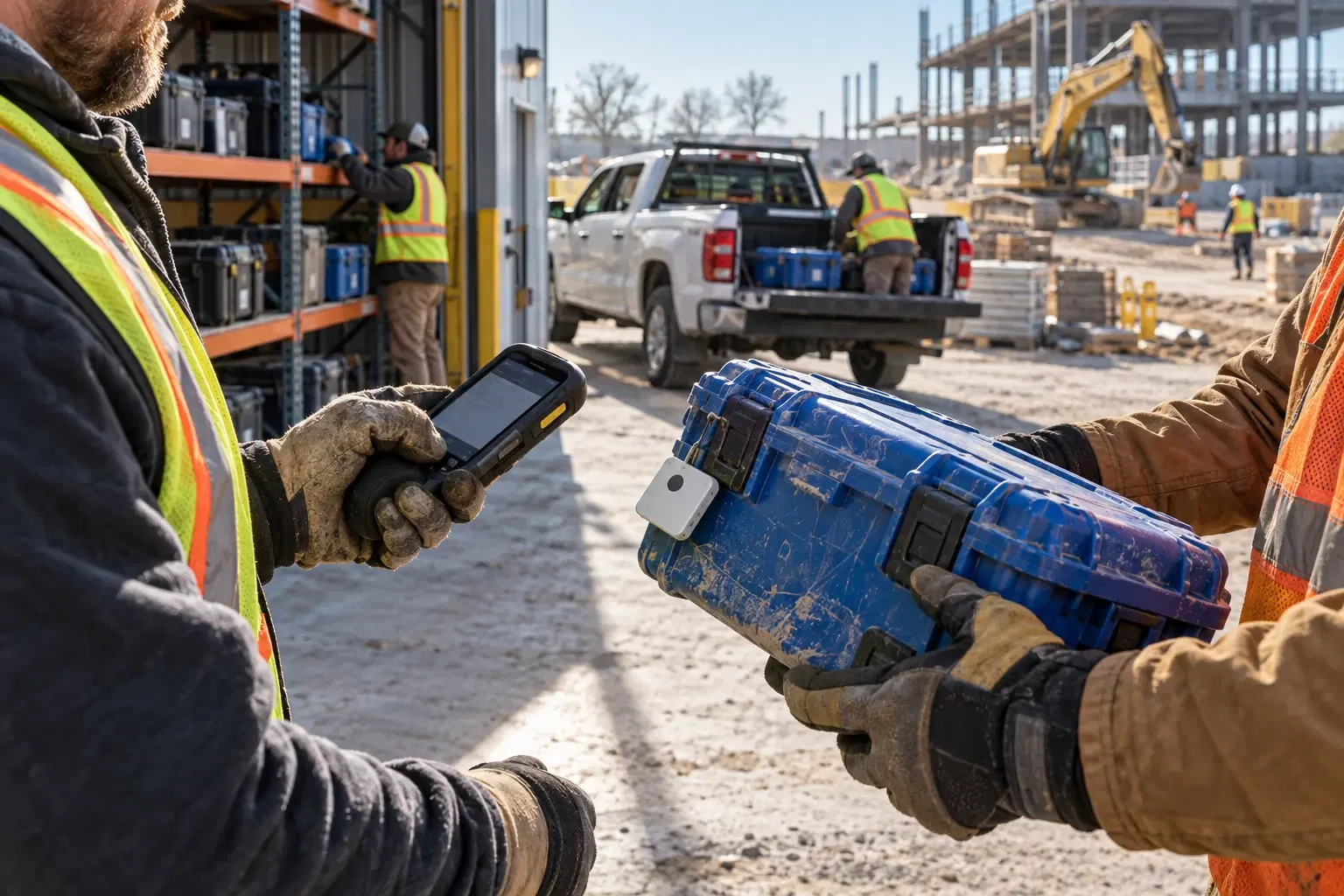
Test the range in real conditions: metal job box, closed trailer, parked vehicle, tools stacked on each other. Ask how the battery is maintained and how a missing detection gets flagged. The cost covers the Bluetooth trackers, the gateways you need, their connectivity where applicable, and running the system. See Allokit Bluetooth trackers.
When GPS earns its place
A GPS tracker answers the need to know where an asset is when it can stay far from equipped vehicles and crews. For a jobsite trailer, that self-sufficiency changes the choice.
GPS calculates the position; a communication link sends it back to the platform. Satellite reception, network coverage and power all affect the result. A high reporting frequency can draw more energy and change battery life: compare the settings offered for an asset that is parked against one that is moving.
Check what happens when the trailer sits for several weeks, when the solar panel is covered, or when temperatures drop. A stated battery life only means something alongside its test conditions. See GPS for equipment and trailers and ask which hardware fits your scenario.
If what you want is to track a truck and its compatible OBD data, see GPS for vehicles. That need adds telematics on top of position tracking.
Comparing full costs, not just the tag
Allokit prices by asset and configuration. Ask for a quote that separates per-unit hardware, shared costs, subscriptions, installation and battery replacement. A label price on its own cannot compare the three solutions.
| Cost to plan for | QR | Bluetooth tracker | GPS |
|---|---|---|---|
| Hardware per asset | Label, lowest relative cost | Bluetooth tracker, mid relative cost | Self-powered or wired unit, highest relative cost |
| Infrastructure | Phone and platform | Compatible gateways, shared across assets | Communication link, depending on hardware |
| Recurring work | Scans and logged transfers | Checking detections, maintaining batteries | Watching power and connectivity |
| Common hidden cost | Entry time and missed scans | An uncovered zone or a missing gateway | A position frequency the battery life cannot support |
Spread a gateway's cost across the tools it genuinely serves. If it covers twenty tools, do not assign it to two hundred to make the arithmetic look better.
Working out your break-even
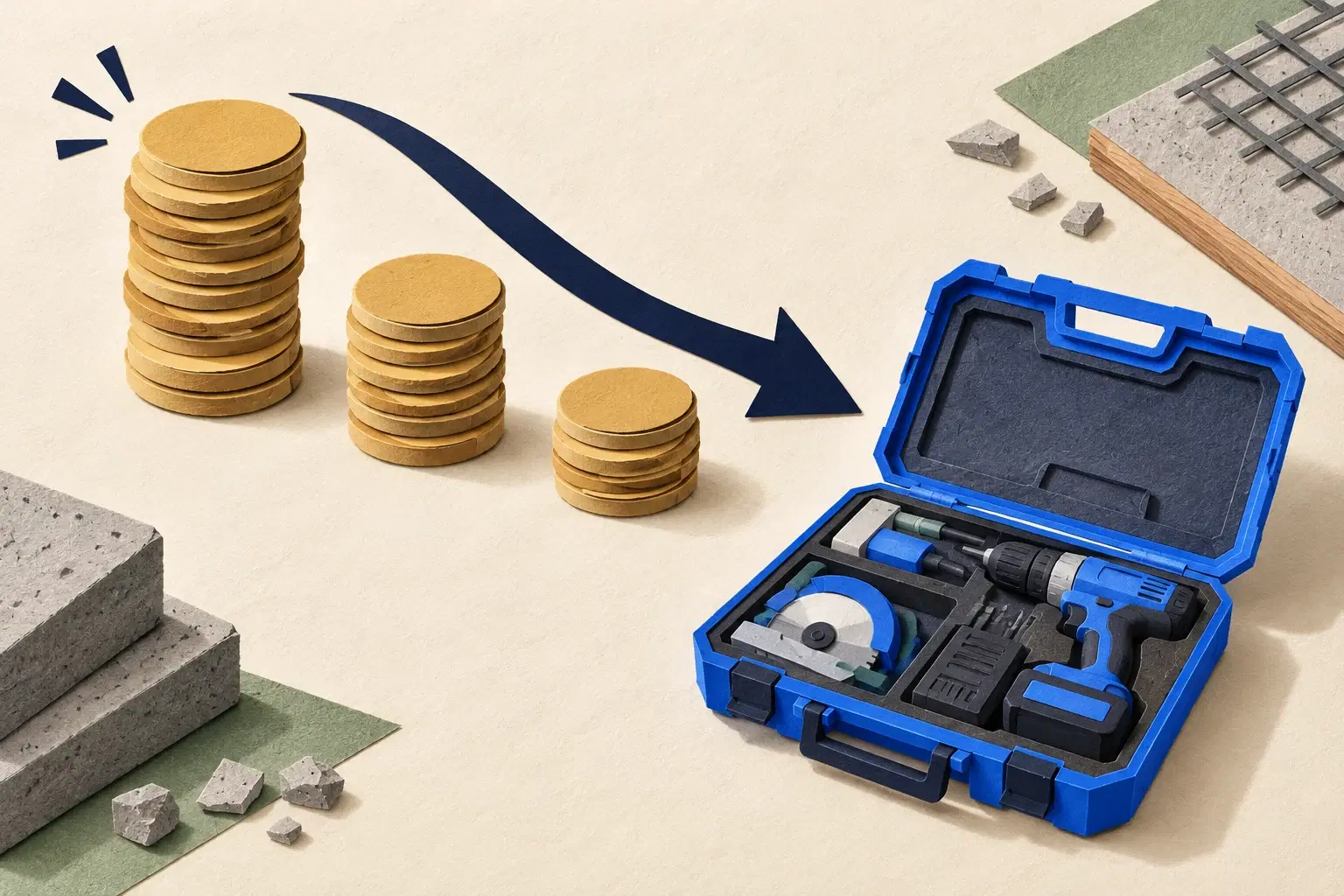
Annual tracking cost = amortized hardware + subscriptions + share of infrastructure + amortized installation + management time. Compare that against money not spent and search time recovered.
A purely hypothetical example, in Canadian dollars: tracking one saw comes to $60 a year, all allocated costs included. That number exists only to show the calculation; it is not an Allokit rate. If losing the saw costs $3,600 in replacement and disruption, the threshold based on losses alone is 60 ÷ 3,600 = 1.67 percentage points of annual risk avoided. You would need to go from an estimated 5% risk to 3.33% to clear that threshold on this line item alone.
That risk reduction has to be plausible and measured; fitting a device does not guarantee it. Location tracking does not physically prevent theft, and it does not guarantee recovery.
Another reading of the same cost: at a hypothetical internal rate of $60/h, recovering one hour of searching per year is $60 of working capacity. That is a real gain, but not necessarily $60 less payroll. Count each benefit once, and subtract the work the tracking itself adds.
For the $40 tape measure, the financial loss alone leaves little room for an expensive solution. For the saw that idles a crew, the lost hours can outweigh its purchase price. That is why the context of use has to come before the price of the tool.
Keeping all three technologies in one method
Keep one ID per asset, even if you add a tracker later. Show the last observation, its date and its source. Distinguish the person responsible from the gateway that detected the tool: a detection near a truck does not prove who is using it.
Start with the assets that cause the most frequent problems, then check the results along their usual routes. To prepare the rollout, read our guide to construction asset tracking.
Have a list of tools, trucks and trailers? Let's work out the split and the quote together. You will be able to weigh the cost of each choice against the problem it is meant to solve.