
Construction consumables inventory
Allokit keeps the company’s consumables inventory by item and by location. Every receipt, delivery, consumption, return and transfer updates the available quantity and the cost of the project concerned.
Consumables inventory in Allokit shows the available quantity of every item by location, keeps the history of every movement and displays a “Low stock” or “Out of stock” badge based on the item’s threshold.
What is consumables inventory?
Consumables inventory is the tracking by quantity of the supplies a construction company uses and replaces: blades, discs, fasteners, replacement parts and protective equipment. It shows how many units the company owns, where they are stored and which projects used them.
Allokit keeps this inventory from stock movements. The available quantity of an item is the result of its receipts, deliveries to job sites, consumption, returns and transfers. This is the same stock-movement logic a WMS uses.
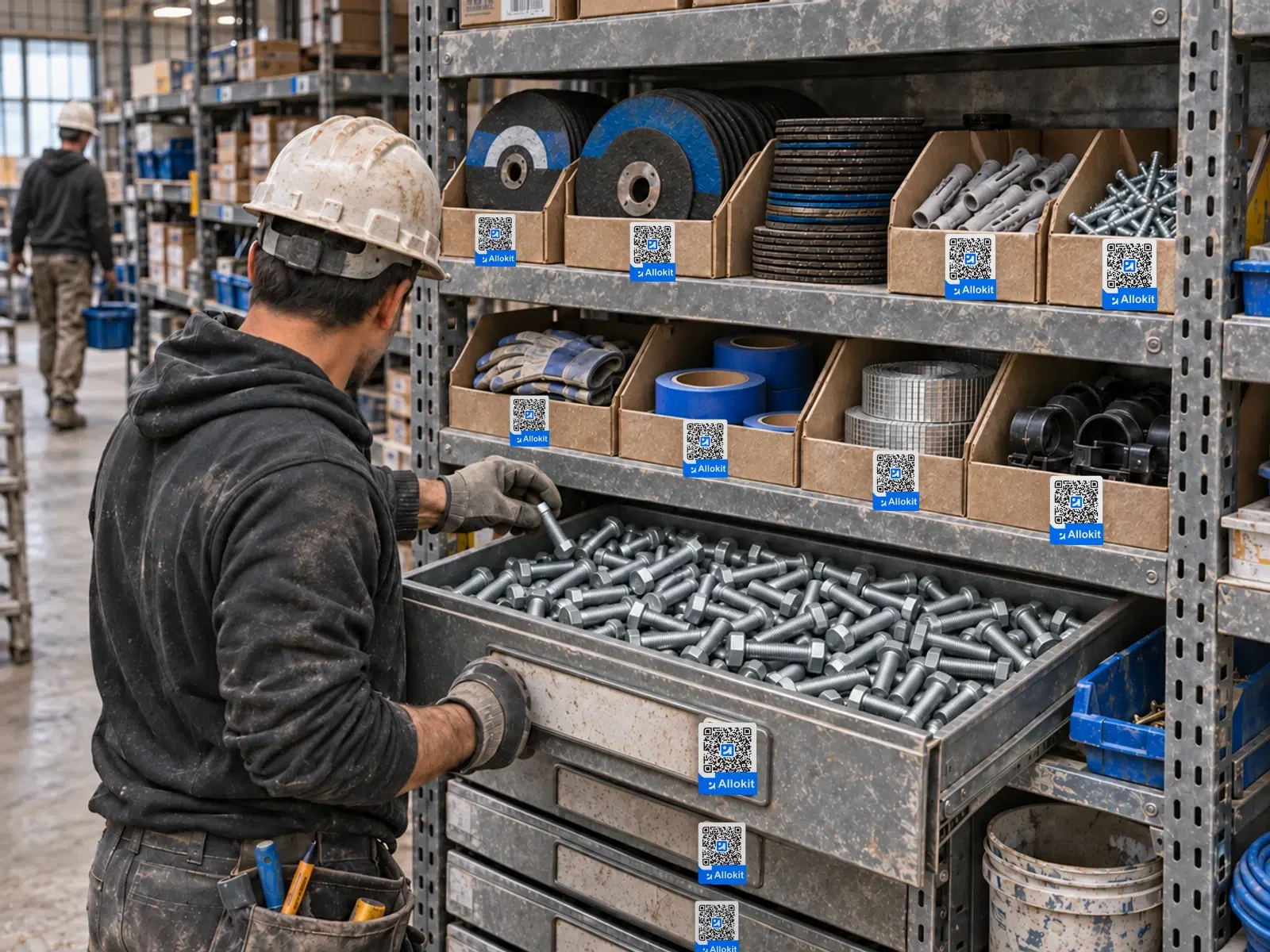
Consumables inventory in Allokit
- Quantities by location
- Allokit shows the available quantity of every consumable in every warehouse and every location.
- Movement ledger
- Every movement is recorded with its quantity, location, project or person, price, document number and date.
- Stock thresholds
- Every item can have a low-stock threshold and an out-of-stock threshold. Allokit shows “Low stock” and “Out of stock” badges in lists and records.
- Weighted average cost
- Deliveries to projects are valued at weighted average cost. An unknown cost stays marked as unknown and is never counted as $0.
- Net cost by project
- Each project’s Consumables tab shows the net cost of the material used, after returns. Movements can be exported to CSV with their costs.
- Packaging and stock units
- An item bought in a package, such as a box of 100, is converted by Allokit into stock units with its cost.
How a consumable moves through Allokit
Receive
The receipt adds the received quantity to the stock of the chosen location.
Deliver to the job site
The delivery removes the quantity from stock and charges it to the project at weighted average cost.
Return surplus
The return puts the quantity back into stock and credits the project.
Watch thresholds
Allokit shows “Low stock” or “Out of stock” when the available quantity reaches the item’s threshold.
When to use consumables inventory
- Know how many boxes of fasteners are left in each warehouse
- Know the cost of the consumables used on a job site
- Spot low-stock items before picking a requisition
Frequently asked questions about consumables inventory
What is job site consumables inventory?
It is the tracking by quantity of the supplies used on job sites: the available quantity by location, stock movements and the cost charged to each project.
What is the difference between consumables management and consumables inventory?
Consumables management covers the whole process, from purchase to use on the job site. Consumables inventory measures quantities: how many units the company owns, where they are and how they moved.
How does Allokit calculate consumable cost by project?
Allokit values every delivery at weighted average cost and credits the project at the average cost paid when material is returned. The net cost is shown in the project’s Consumables tab.
How does Allokit flag a consumable in low stock?
Allokit shows a “Low stock” or “Out of stock” badge when an item’s available quantity reaches its threshold. The badge appears in lists and on the item record.
Can consumable movements be exported?
Yes. Allokit exports a project’s consumable movements to CSV, with their costs.
Other warehouse management features
Construction material requisitions
Allokit lets foremen and project managers request their job site’s material in a requisition. The storekeeper approves the requisition, Allokit reserves the available stock and missing quantities move to the order list.
See the featureWarehouse receiving for construction material
Allokit groups everything the warehouse must receive in one list: supplier deliveries, job site returns and transfers between warehouses. The storekeeper checks every receipt by scan and chooses the storage location.
See the featurePicking and shipping material to job sites
Allokit guides the storekeeper while picking material and tracks every shipment to the job site. The shipment keeps the vehicle used, loading photos, the GPS route and proof of delivery.
See the featureStockroom and parts counter management
Allokit gives the storekeeper one place to approve requisitions, hand material over at the counter, record issues and receive returns. Every issue and every return is charged to the right project.
See the feature
Know how much of each consumable you have left.
Show us the consumables your crews use most. We’ll show you how Allokit tracks their quantities, movements and cost by project.
