
Warehouse receiving for construction material
Allokit groups everything the warehouse must receive in one list: supplier deliveries, job site returns and transfers between warehouses. The storekeeper checks every receipt by scan and chooses the storage location.
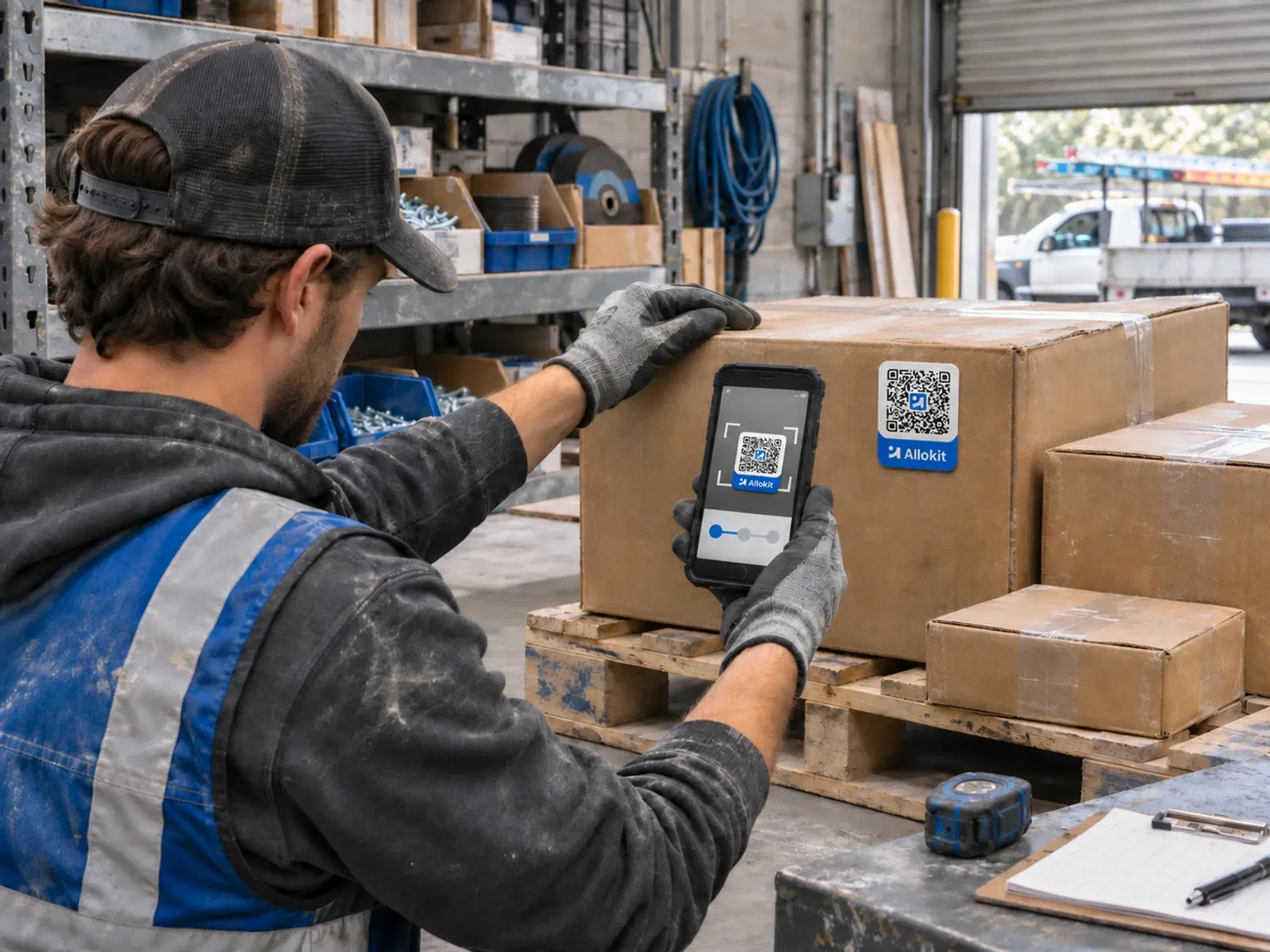
Receiving in Allokit compares expected items with received items. The storekeeper checks every line or scans Allokit QR labels, Allokit highlights discrepancies and the balance of a partial receipt stays open.
What is warehouse receiving?
Receiving is the step of a WMS where the warehouse confirms what actually arrived. The storekeeper compares the delivery with the expected items, records the quantities received and the missing items, then puts the material away at its location.
In Allokit, a receipt can come from a purchase order, a job site return or a transfer between warehouses. Every receipt updates the stock of the chosen location.
Receiving in Allokit
- A “To receive” list
- Allokit gathers expected supplier deliveries, job site returns and transfers in the “To receive” list of each warehouse.
- Scan-based checking
- The storekeeper checks items line by line or by scanning Allokit QR labels.
- Highlighted discrepancies
- Allokit flags quantities that differ from what was expected and items missing from the delivery.
- Partial receipts
- When a delivery is incomplete, the purchase order moves to “Partly received” and the balance stays open until the next delivery.
- Storage location
- The storekeeper chooses the storage location at receiving. For a job site return, Allokit suggests each tool’s usual location.
- Direct delivery to the job site
- A purchase order can plan delivery to the warehouse or straight to the job site.
How a receipt moves through Allokit
Expect the delivery
The purchase order, return or transfer creates the expected items in “To receive”.
Check the items
The storekeeper scans or checks each item and records the quantities received.
Handle discrepancies
Missing items stay in the open balance of the receipt.
Put the material away
The storekeeper confirms the storage location and Allokit updates the stock.
When to use receiving
- Receive an incomplete supplier delivery
- Receive surplus and tools coming back from a job site
- Receive a transfer from another warehouse
Frequently asked questions about receiving
What is a receipt checked against in Allokit?
A receipt is checked against a purchase order, a job site return or a transfer between warehouses. Allokit knows the expected items and compares them with the received items.
Does Allokit handle partial receipts?
Yes. An incomplete delivery leaves an open balance on the purchase order. The order moves to “Partly received”, then to “Received” once everything has arrived. The “Archive” action closes a purchase order that will not be completed.
Which codes can be scanned at receiving?
The storekeeper scans Allokit QR labels. An item without an Allokit label is found by its name, serial number or item code.
How are job site returns received?
A job site return arrives in the warehouse’s “To receive” list. The storekeeper checks it by scan, and Allokit suggests putting each tool back in its usual location.
Can purchase orders from another system be linked?
The Allokit team can review an integration with the company’s purchasing system to link its purchase orders to receipts in Allokit.
Other warehouse management features
Construction material requisitions
Allokit lets foremen and project managers request their job site’s material in a requisition. The storekeeper approves the requisition, Allokit reserves the available stock and missing quantities move to the order list.
See the featurePicking and shipping material to job sites
Allokit guides the storekeeper while picking material and tracks every shipment to the job site. The shipment keeps the vehicle used, loading photos, the GPS route and proof of delivery.
See the featureStockroom and parts counter management
Allokit gives the storekeeper one place to approve requisitions, hand material over at the counter, record issues and receive returns. Every issue and every return is charged to the right project.
See the featureConstruction consumables inventory
Allokit keeps the company’s consumables inventory by item and by location. Every receipt, delivery, consumption, return and transfer updates the available quantity and the cost of the project concerned.
See the feature
Receive your deliveries with scan-based checking.
Show us how your warehouse receives deliveries, returns and transfers. We’ll show you how Allokit checks them and puts them away.
