
Warehouse management software for construction contractors
Allokit manages a construction contractor’s material from the job site’s request to delivery. Foremen create their requisitions in Allokit, storekeepers approve them, pick the material and ship it, and the cost of every issue is charged to the right project.
Allokit is a warehouse management system (WMS) built for construction companies. It connects warehouse stock to the job sites that use it: requisitions, approvals, reservations, purchase orders, receiving, picking, shipping, returns and material cost by project.
What is construction warehouse management?
Construction warehouse management is the tracking of material between a company’s warehouses and its job sites. It covers crew material requests, available stock by location, picking and delivery to the job site, surplus returns, transfers between warehouses and the material cost charged to each project.
Allokit is a construction WMS (warehouse management system) that brings all of these steps into one software. Foremen, project managers and storekeepers see the same information about stock, requests and deliveries.

How material moves through Allokit, from requisition to delivery
Every step is recorded in Allokit and connected to the project receiving the material.
Material requisition
The foreman or project manager creates a requisition for a project, with a required date and the quantities needed.
Material requisitionsRequisition approval
The storekeeper approves the requisition, edits it with a note or rejects it with a reason. The requester sees the status of the request and the quantities received on each line.
Material requisitionsStock reservation
Allokit reserves the available material for the project and prevents it from being booked twice. Missing quantities are added automatically to the “To order” list.
PlanningPurchase order
The storekeeper creates a purchase order from the missing quantities, with the supplier, the expected date and the last price paid. Delivery can go to the warehouse or straight to the job site.
Receiving
The storekeeper checks every delivery, return or transfer by scanning Allokit QR codes. Allokit highlights discrepancies, keeps the balance of a partial receipt open and records the storage location.
ReceivingPicking and shipping
Allokit guides picking by scan down to the location of every item. The shipment keeps the vehicle, loading photos, the GPS route and proof of delivery to the job site.
Picking and shippingCounter pickup
The storekeeper can hand the material of an approved requisition directly to the crew that comes to get it, in full or in part.
Stockroom and parts counterMaterial return
Surplus returned to the stockroom goes back into stock at the chosen location, and Allokit credits the project at the cost paid.
Consumables inventory
The storekeeper’s work in Allokit
Allokit shows the storekeeper four counters of pending work: requisitions to approve, items to order, receipts to receive and shipments to pick. Every list is sorted by priority so the storekeeper handles the most urgent requests first.
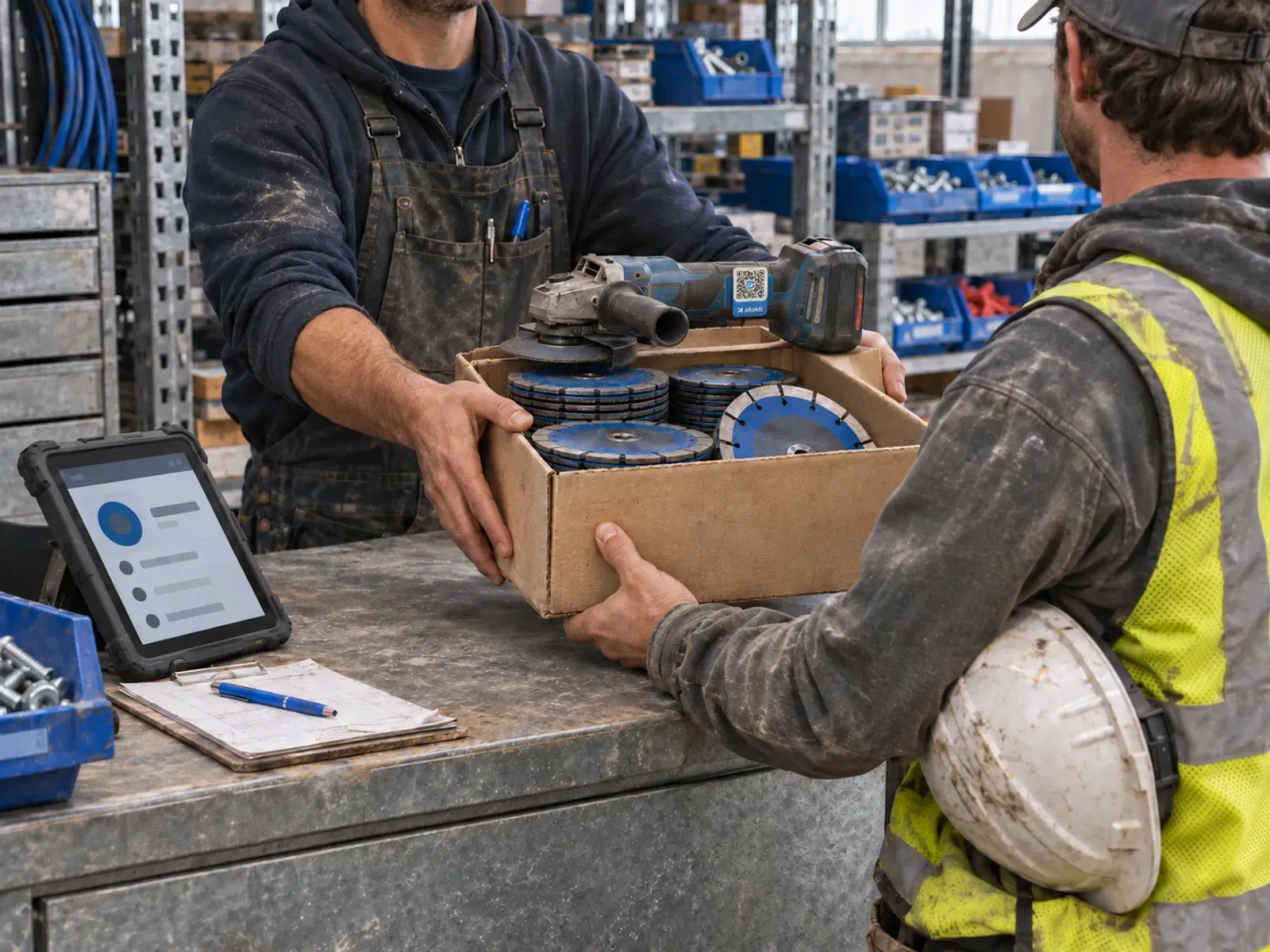
Managing several warehouses
Allokit keeps stock by location, which lets a company manage several warehouses in the same inventory. At approval, a requisition can be split between several warehouses, with one shipment per warehouse. Material can also be transferred from one warehouse to another.
Material cost by job site
Allokit records every stock movement with its quantity, location, project, price, document number and date. Issues to a project are valued at weighted average cost, and returns credit the project. The net material cost of each project is shown on the project page and can be exported to CSV.

Purchase orders and integration with your purchasing system
Allokit includes simple purchase orders that are used to prepare receipts. A purchase order moves through the Sent, Partly received, Received and Archived statuses.
Companies that already use a purchasing system can ask the Allokit team to review an integration that links their existing purchase orders to receipts.
Tools, equipment and consumables in the same software
Allokit manages tools and equipment by unit and consumables by quantity, in the same inventory. A requisition can therefore include a saw, a generator and boxes of fasteners at the same time.
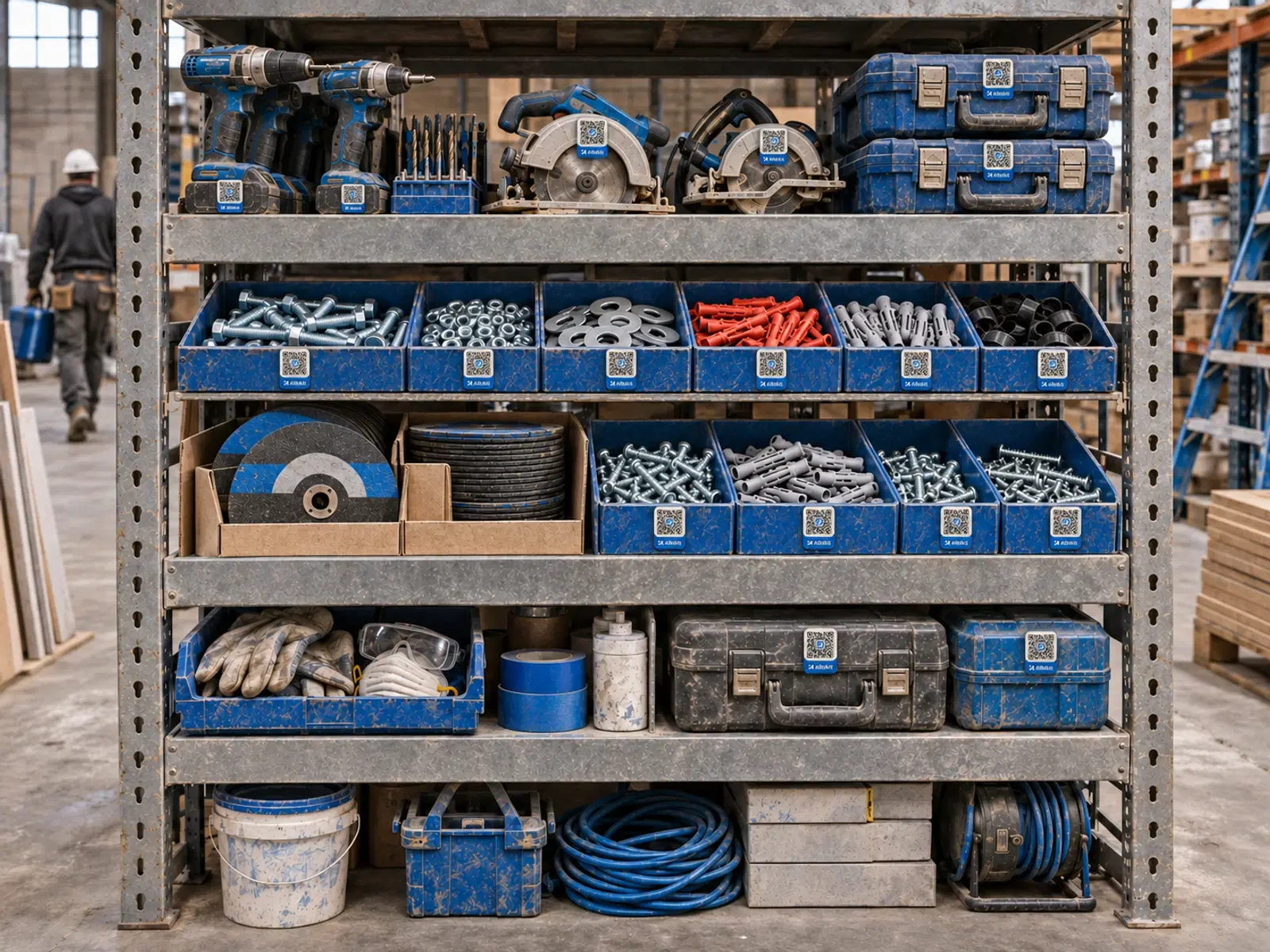
Allokit warehouse management features
Each feature has its own page, with a detailed walkthrough and frequently asked questions.
Construction material requisitions
Allokit lets foremen and project managers request their job site’s material in a requisition. The storekeeper approves the requisition, Allokit reserves the available stock and missing quantities move to the order list.
See the featureWarehouse receiving for construction material
Allokit groups everything the warehouse must receive in one list: supplier deliveries, job site returns and transfers between warehouses. The storekeeper checks every receipt by scan and chooses the storage location.
See the featurePicking and shipping material to job sites
Allokit guides the storekeeper while picking material and tracks every shipment to the job site. The shipment keeps the vehicle used, loading photos, the GPS route and proof of delivery.
See the featureStockroom and parts counter management
Allokit gives the storekeeper one place to approve requisitions, hand material over at the counter, record issues and receive returns. Every issue and every return is charged to the right project.
See the featureConstruction consumables inventory
Allokit keeps the company’s consumables inventory by item and by location. Every receipt, delivery, consumption, return and transfer updates the available quantity and the cost of the project concerned.
See the feature
The 5 best WMS for construction companies
Our comparison presents Allokit, ToolWatch, Field Materials, Kojo and Fishbowl against six construction-specific criteria: job site requisitions, tools and consumables, stock by location, picking, cost by project and field use.
Frequently asked questions about construction warehouse management
What is warehouse management software for construction?
It is software that tracks material between a construction company’s warehouse and its job sites. It manages requisitions, stock by location, picking, deliveries, returns and material cost by project.
Is Allokit a WMS?
Yes. Allokit is a WMS specialized for construction companies. It manages locations, receiving, picking and shipping, and it connects every material movement to a job site.
What is the difference between a construction WMS and a distribution WMS?
A distribution WMS tracks customer orders shipped from a warehouse. A construction WMS tracks the material a company sends to its own job sites and receives back from them. Allokit connects every issue to a project, handles foremen’s requisitions, credits surplus returns and tracks tools by unit and consumables by quantity.
Does Allokit manage several warehouses?
Yes. Allokit keeps stock by location, splits requisitions between several warehouses and records transfers from one warehouse to another.
How does Allokit calculate material cost by job site?
Allokit values every issue at weighted average cost and credits the project when material is returned. The net material cost is shown on the project page.
Does Allokit replace our purchasing system?
No. Allokit provides simple purchase orders to support receiving. The Allokit team can review an integration with the purchasing system the company already uses.
See Allokit warehouse management in a demo.
Show us how your stockroom receives requests, picks material and delivers to job sites. We’ll show you the same flow in Allokit, with your items and your warehouses.
