What is a barcode, and which one should you use to identify your tools?
UPC, EAN, Code 128, QR, Data Matrix: how barcodes work, what sets the types apart, and what to choose to identify jobsite tools.
- Author
- Allokit
- Published
- Reading time
- 7 min
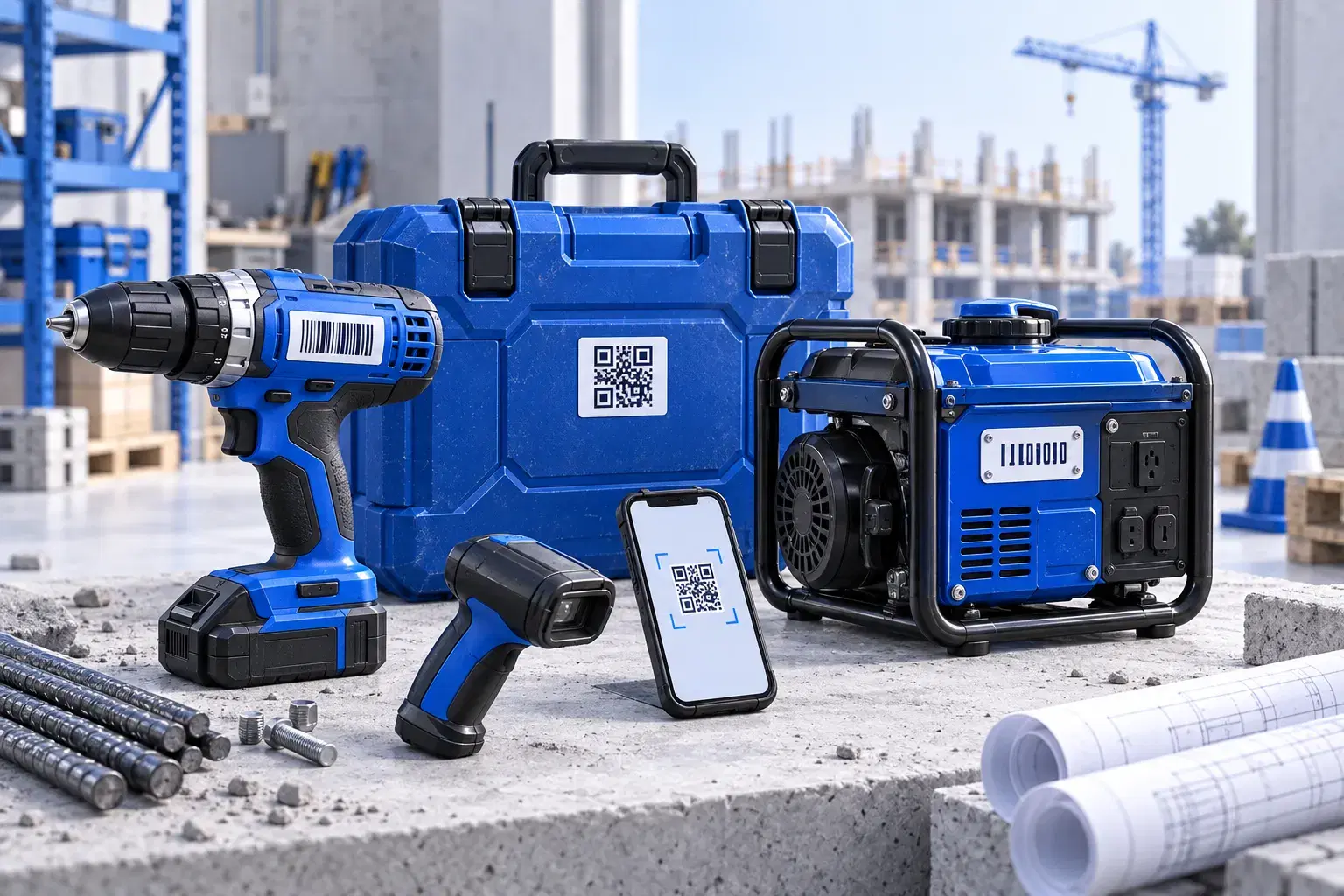
A barcode is a way of writing data so a machine can read it. There are two main families: linear (1D) codes, made of vertical bars, and 2D codes, such as the QR code, made of a grid of small squares. To identify jobsite tools read with a phone, a 2D code such as a QR code is usually the most practical choice.
This guide explains how barcodes work, how the common types differ, and how to choose for tools.
How a barcode works
A linear code encodes characters in the width of the bars and of the spaces between them. A scanner, laser or camera-based, measures those widths and translates them into digits or letters. The code often includes a check character, which catches reading errors.
A 2D code encodes information in two dimensions, in a grid of black and white modules. It holds much more data in less space, and it includes error correction: part of the code can be dirty or damaged without preventing a read.
One key point: the code itself often contains only an identifier. The useful information (the tool's name, the person responsible, the jobsite) lives in a database. The code is a fast way to look it up.
Common barcode types
| Type | Family | What it encodes | Typical use |
|---|---|---|---|
| UPC-A | 1D | 12 digits | Retail products, mainly in North America |
| EAN-13 | 1D | 13 digits | Retail products, internationally |
| Code 39 | 1D | Digits, uppercase letters and a few symbols | Industrial identification, older systems |
| Code 128 | 1D | All ASCII characters, in a compact format | Logistics, internal inventory labels |
| QR code | 2D | Text, digits, web address | Phone scanning, links to a record |
| Data Matrix | 2D | Text and digits, in a very small format | Part marking, direct engraving on metal |
UPC and EAN: for selling, not for tracking
The UPC and EAN codes you see on packaging are assigned by GS1, the organization that manages these product identifiers. They identify a product model, not a specific unit. Two identical drills have the same UPC.
To track your drill, not the model, you need a unique identifier per tool. And for an internal inventory, you do not need to buy GS1 codes: you create your own identifiers.
Code 39 and Code 128: linear inventory codes
Code 39 encodes digits, uppercase letters and a few symbols. It is simple, but it takes a lot of space for few characters.
Code 128 encodes the full ASCII character set and stays more compact. It is often the linear code chosen for internal inventory labels.
Their shared limit on a jobsite: the scanner has to line up with the bars, and a scratched or dirty label can become unreadable.
QR code and Data Matrix: 2D codes
The QR code was created in 1994 by Denso Wave, in Japan. It reads from several angles, with a phone camera, and can contain a web address that opens a page directly.
Data Matrix packs a lot of information into a very small square. It is often engraved directly on metal parts in industry. It usually requires a suitable app or scanner.
Which code to choose for jobsite tools?
Four questions are enough to decide.
1. What will read the code? If it is employees' phones, the QR code is simplest: no scanner to buy, no precise angle to find. If the company already has laser scanners in the warehouse, Code 128 can work.
2. Where will the label go? A small hand tool needs a compact format. On a generator or a trailer, a large format reads from farther away.
3. What wear will it have to withstand? Sun, cold, oil, rubbing in a toolbox. Choose a material suited to the surface and a spot protected from impacts.
4. What should happen on scan? If the goal is to open the tool's record and log a transfer in the field, the code has to lead to an up-to-date system, not just display a number.
| Situation | Recommended code |
|---|---|
| Tools read by employees with their phones | QR code |
| Warehouse already equipped with laser scanners | Code 128 |
| Metal part marked by direct engraving | Data Matrix |
| Product intended for retail sale | UPC or EAN, through GS1 |
The limits of any barcode
A barcode, 1D or 2D, does not transmit a position. It identifies a tool when someone scans it. If nobody scans the tool when it moves to another jobsite, the record keeps the old information.
For tools that move around a lot, a Bluetooth tracker can automatically detect their presence near a compatible gateway. For a trailer left alone, a GPS tracker reports its own position. Our guide QR code, Bluetooth or GPS: what to put on which tool helps split the technologies.
How Allokit uses QR codes
Allokit uses QR labels, in large and small formats. Each label is associated with one asset. Scanning it with a phone or tablet opens the tool's record: person responsible, jobsite, condition and history, with updates in the field. The label has no battery to replace.
To start a labelled inventory, see our guide to construction asset tracking, or let's talk about your tools.