Allokit

Construction consumables tracking

Track the items used up on the job: available quantities, lots, issues and where they are consumed. Your crew sees what remains and where it is being used.

Get my price
Illustration of blades, discs, bits, fasteners and protective equipment tracked as consumables in Allokit
Definition

What is construction consumables management?

Construction consumables management tracks by quantity everything used, replaced or depleted during work: small parts, boxes, rolls, lengths, containers, supplies and critical spares. Unlike an individually identified tool, a consumable is managed by item, batch and location: warehouse, vehicle or jobsite.

Allokit tracks construction consumables by recording quantities, issues, remaining levels and the location or jobsite they belong to.

Allokit shows how many units remain, where they are stored and which quantities were issued to a jobsite or crew.

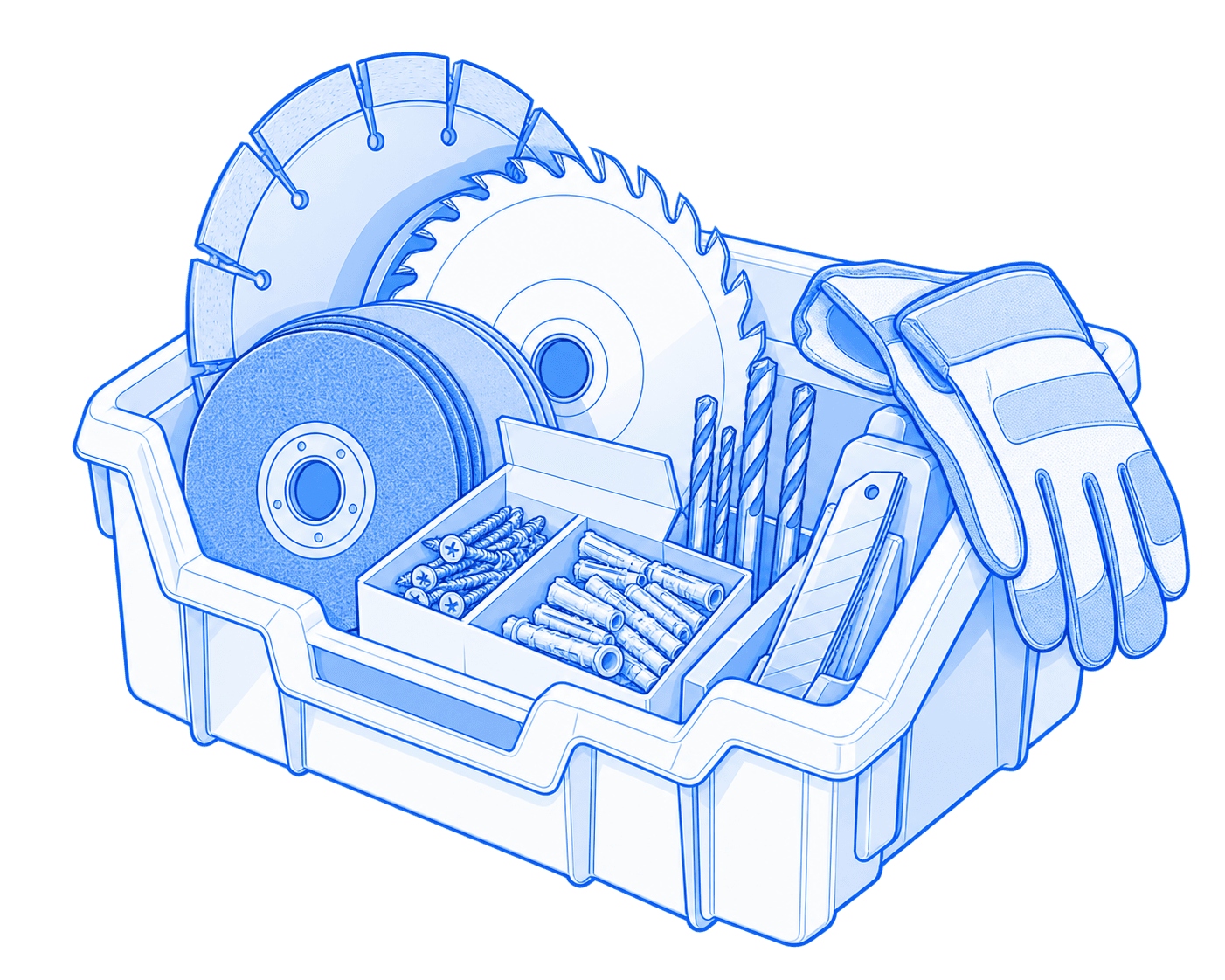
Every consumable your crews use

These categories are examples, not a limit. Allokit can track any item managed by quantity and replenished regularly, from small supplies to critical replacement parts.

  • Blades, discs, bits and electrodes
  • Screws, bolts, nails, rivets and anchors
  • Gloves, glasses, filters and hearing protection
  • Cables, connectors, fuses and batteries
  • Fittings, seals, valves and plumbing supplies
  • Adhesives, sealants, oils, lubricants and paints
  • Belts, bearings, hoses, filters and replacement parts
  • Tape, markers, tarps and cleaning products
  • Any other item managed by box, roll, length, volume or unit

A simple stock record for every item

Every consumable keeps its unit, quantity, location and movement history so the office and field work from the same information.

Quantities and lots
Manage several units under one entry and keep the information that matters to the lot.
Recorded issues
Log what leaves the warehouse, vehicle or yard and which jobsite receives it.
Levels to watch
Spot items running low before a shortage slows the work.
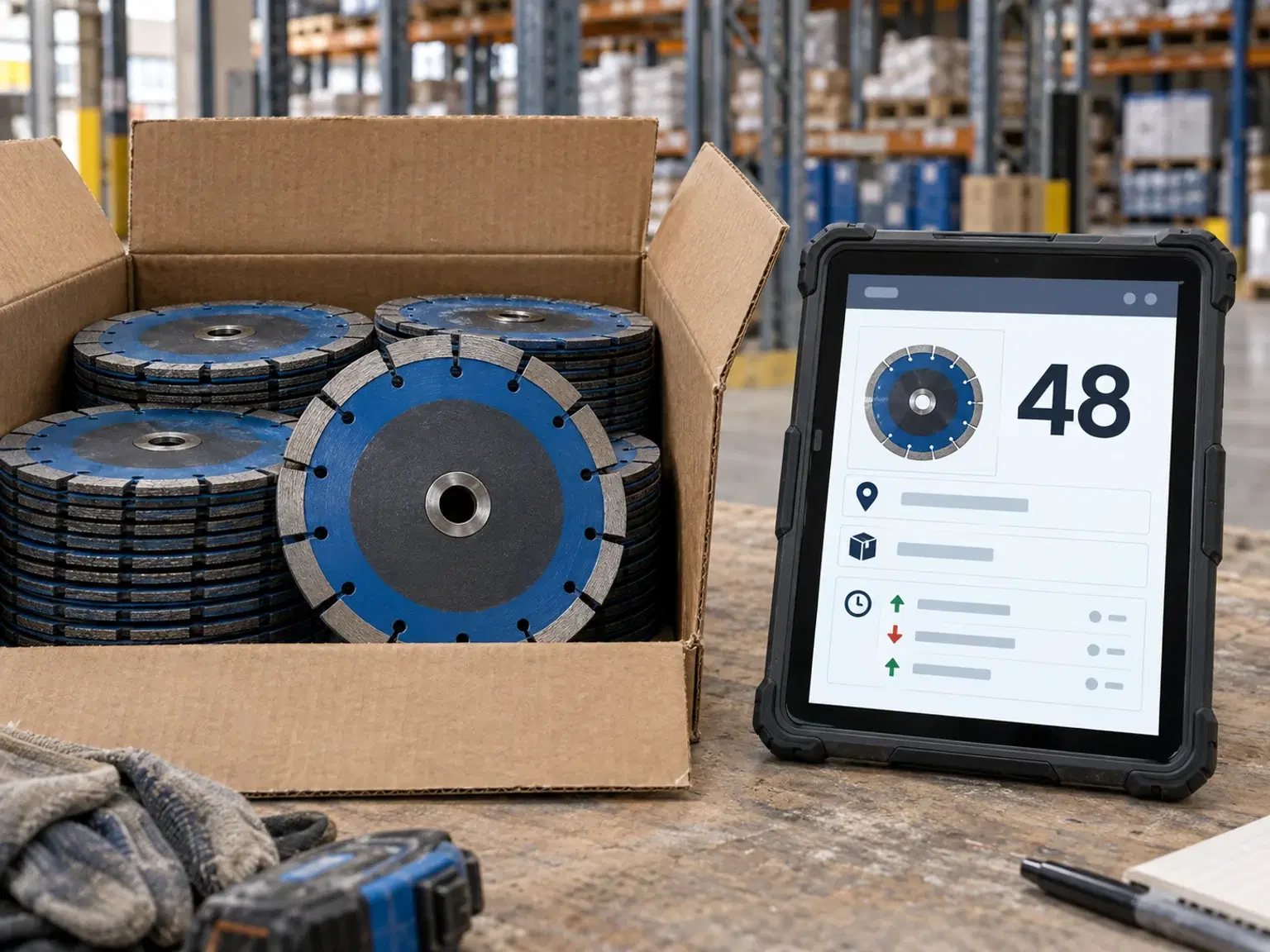
Box of concrete cutting discs beside a tablet showing their quantity, location and stock movement history
Use case

From warehouse to jobsite: track quantity without managing every screw

A box of discs arrives at the warehouse, some are loaded into a truck and the rest are reserved for a jobsite. Stock changes by movement instead of by individual record.

The team tracks a clear quantity movement without creating a separate record for every unit consumed.

  1. Receive

    Add the quantity received and keep the useful reference or batch.

  2. Store

    Connect stock to the warehouse, an area or a vehicle.

  3. Prepare

    Reserve or plan the quantity needed for upcoming work.

  4. Issue

    Record what leaves and the jobsite or crew receiving it.

  5. Adjust

    Correct the quantity after a return, loss or physical count.

  6. Replenish

    Spot insufficient stock before a shortage stops the work.

QR code stock issue

One QR label. Two ways to issue a quantity.

Place the QR code on the location that holds the consumable. A crew member scans it with a phone, enters the quantity taken or returned, and Allokit updates the right item at the right location.

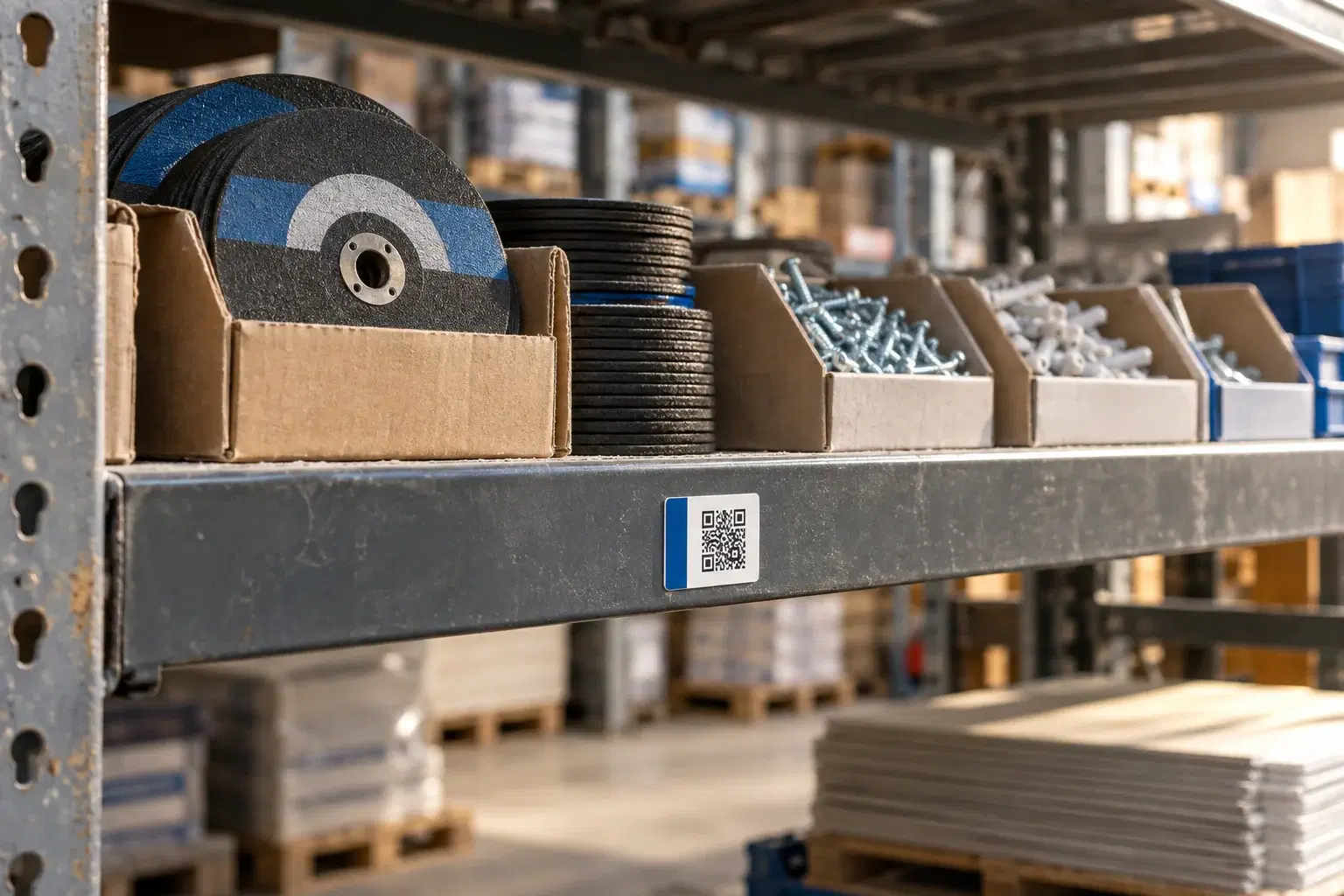
QR label attached to a warehouse shelf holding discs and construction supplies

Scan to issue a quantity

A label on the shelf

The QR code identifies the stock stored on that shelf. A worker scans it before taking boxes, rolls or discs, then enters the quantity removed.

Quantity at this location

48 units

Discs, blades, rolls, boxes and grouped supplies.

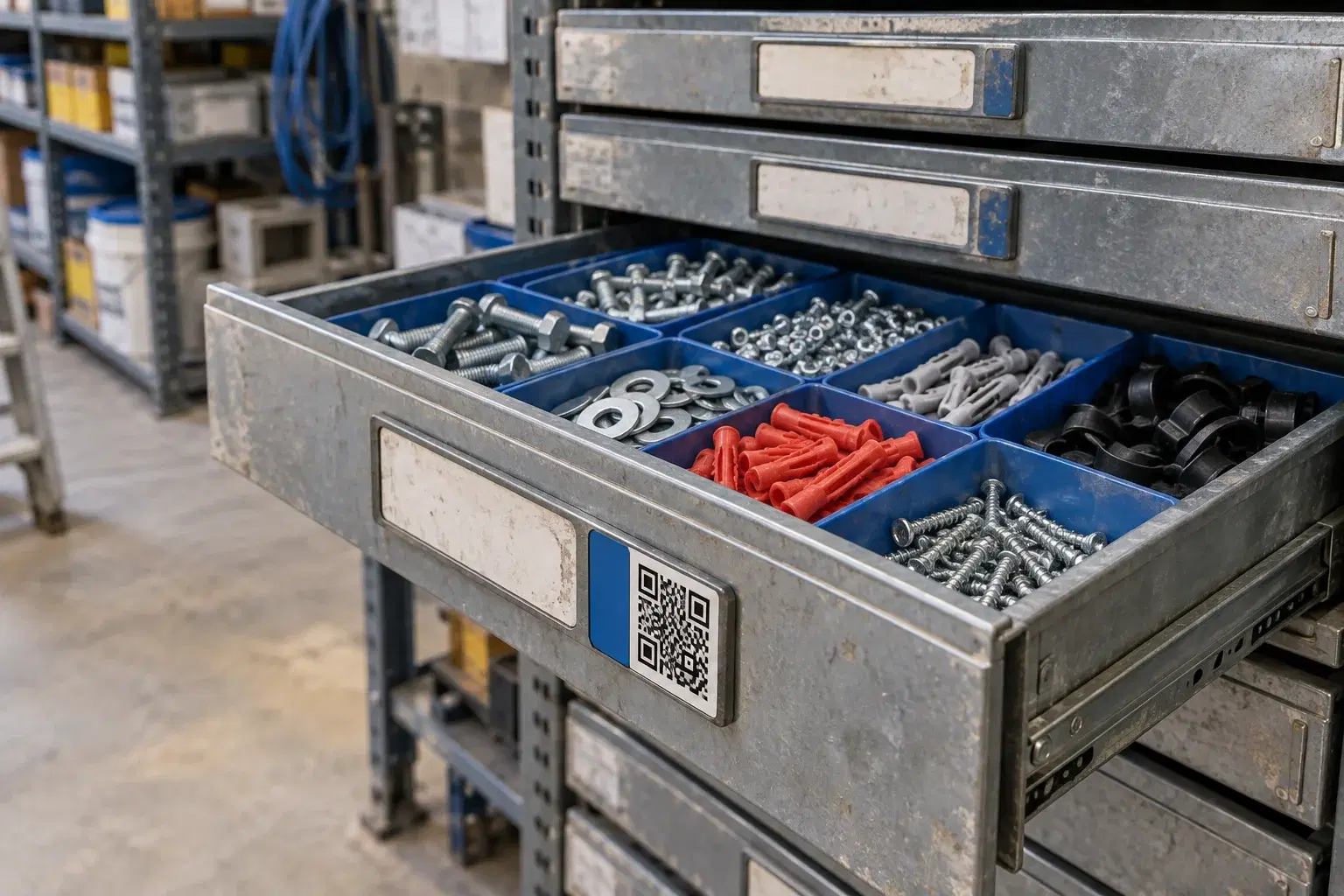
QR label attached to a warehouse drawer holding fasteners and small parts

Scan to issue a quantity

A label on the drawer

The QR code opens the record for the small parts kept in that drawer. The consumed quantity is recorded without identifying every screw or anchor.

Quantity at this location

126 units

Screws, bolts, washers, anchors and small parts.

QR codes
Operational results

Why improve construction consumables management?

Lightweight, regular tracking reduces surprise shortages, emergency purchases and excess stock forgotten across vehicles or storage locations.

  • See available quantities by location
  • Prepare requirements before leaving for the jobsite
  • Reduce emergency purchases and interruptions
  • Document issues by jobsite or crew
  • Find excess stock spread across vehicles
  • Keep a simple history of stock adjustments
Frequently asked questions

Frequently asked questions about construction consumables management

What is construction consumables management?

It is the tracking of supplies used during work: their quantities, batches, locations, issues and the jobsites or crews using them.

What is the difference between a tool and a consumable?

A tool generally has its own record and returns to inventory. A consumable is tracked by quantity because it is used, replaced or depleted.

Can stock be tracked by warehouse, vehicle and jobsite?

Yes. Quantities can be connected to where they are stored or used so the warehouse, vehicles and jobsites remain distinct.

Can consumable issues be recorded?

Yes. An issue reduces the available quantity and can be connected to the jobsite, vehicle or crew receiving the material.

Can a QR code be placed on a shelf or drawer?

Yes. The QR code can identify the stock on a shelf, in a drawer or in a bin. A worker scans it, enters the quantity taken or returned, and Allokit updates the right location.

Do I need a record for every screw or small part?

No. One record represents the item and keeps its quantity by batch or location. Every issue simply reduces the available quantity.

Which construction consumables can be managed?

Allokit can track blades, discs, bits, fasteners, electrodes, replacement parts, protective equipment, everyday supplies and any other item managed by quantity, batch or location.

5 spots — 20% off the first year

See what remains before the jobsite runs out.

Show us the critical consumables and how they move so we can build a process that stays simple to maintain.

Allokit on desktop and mobile