
Construction fleet and machinery management
Bring every vehicle, trailer, powered asset and machine into the same inventory as your tools. See their location, jobsite, condition and maintenance.
Get my priceWhat is vehicle and machinery management?
Vehicle and machinery management brings every road-going, powered or towed asset together with its location, jobsite, responsible person, condition and maintenance history. It covers road vehicles, heavy machinery, trailers and specialized equipment alike.
Allokit tracks a construction company’s entire fleet and machinery, from pickups to specialized equipment, with location, assignment, history and maintenance.
Every asset can be managed in Allokit with or without a tracking device. Standalone GPS adds location to machinery and trailers, while a device connected to the OBD port may also report selected data from a compatible vehicle.
Your entire fleet, regardless of category
The list is not limited to a few vehicle types. Allokit can structure any road-going, towed or powered asset, while each category keeps the information that matters to it.
- Service trucks and pickups
- Vans and delivery vehicles
- Heavy trucks, dump trucks and crane trucks
- Excavators and mini excavators
- Loaders, dozers and graders
- Telehandlers, lifts and forklifts
- Trailers, mobile units and roll-off containers
- Generators, compressors and pumps
- Tractors, utility vehicles and specialized equipment
An operational record for every vehicle or machine
Allokit connects fleet data to real work: the jobsite, driver or responsible person, movement and upcoming maintenance.
- Position and trips
- See the last reported position and, depending on the device, trip history.
- Vehicle data
- Read odometer, battery, fuel or selected engine codes when OBD compatibility allows.
- Maintenance and assignment
- Connect the vehicle or machine to a jobsite, a person and its maintenance schedule.
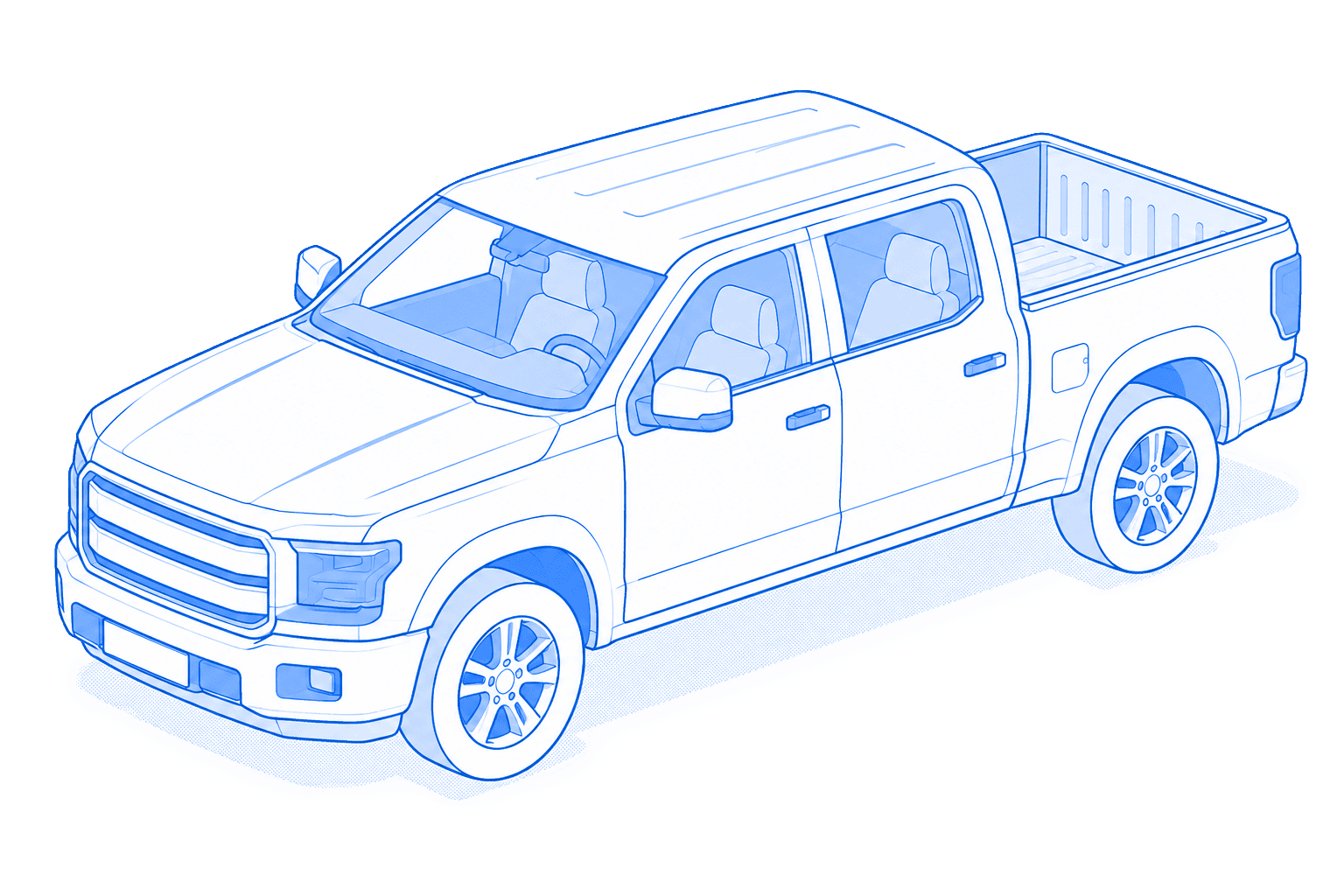
Allokit features built for your fleet
Location tracking, jobsite assignment, planning and maintenance turn the fleet into an operational view.
Fleet inventory
Bring make, model, year, VIN, plate, photos, documents, condition and notes together in a structured record.
Learn moreVehicle and machinery location
See the last known location, stops and available history based on the GPS tracker installed.
Learn moreDriver and jobsite assignment
Connect a vehicle or machine to a driver, crew, jobsite or property.
Learn moreFleet planning
Reserve the right machine for the jobsite dates and see conflicts before they affect operations.
Learn moreVehicle and machinery maintenance
Plan inspections and maintenance by date, usage or available vehicle data.
Learn more
From garage to jobsite: keep the fleet ready and assigned
A pickup leaves the garage in the morning, serves two jobsites and returns with an inspection to schedule. Its route, responsible person and condition stay connected to the same record.
The fleet is no longer a list separated from operations: its movements, responsible people and maintenance remain visible in Allokit.
Assign
The vehicle is assigned to its driver and connected to the planned jobsite.
Locate
The latest reported position confirms where the vehicle or machine is.
Understand usage
Routes, stops and compatible OBD data add operational context.
Respond
An anomaly or required inspection becomes a visible action instead of a forgotten note.
Maintain
The team schedules the work and keeps its history in the record.
Reassign
The vehicle becomes available for the next jobsite with current information.
Choose the right GPS for each vehicle or machine
Tracking in Allokit does not depend on GPS. Add standalone GPS to mobile equipment that must report its own location, or a GPS and OBD device to compatible vehicles to automate more data.


Why centralize fleet and machinery management?
A shared view helps the office and field coordinate assignments, reduce searches and act before missed maintenance takes an asset out of service.
- See quickly where every vehicle or machine is
- Clearly connect the fleet to drivers and jobsites
- Reduce calls to confirm location or availability
- Plan maintenance and keep its history
- Spot scheduling conflicts before leaving for the jobsite
- Bring the fleet and tools into the same platform
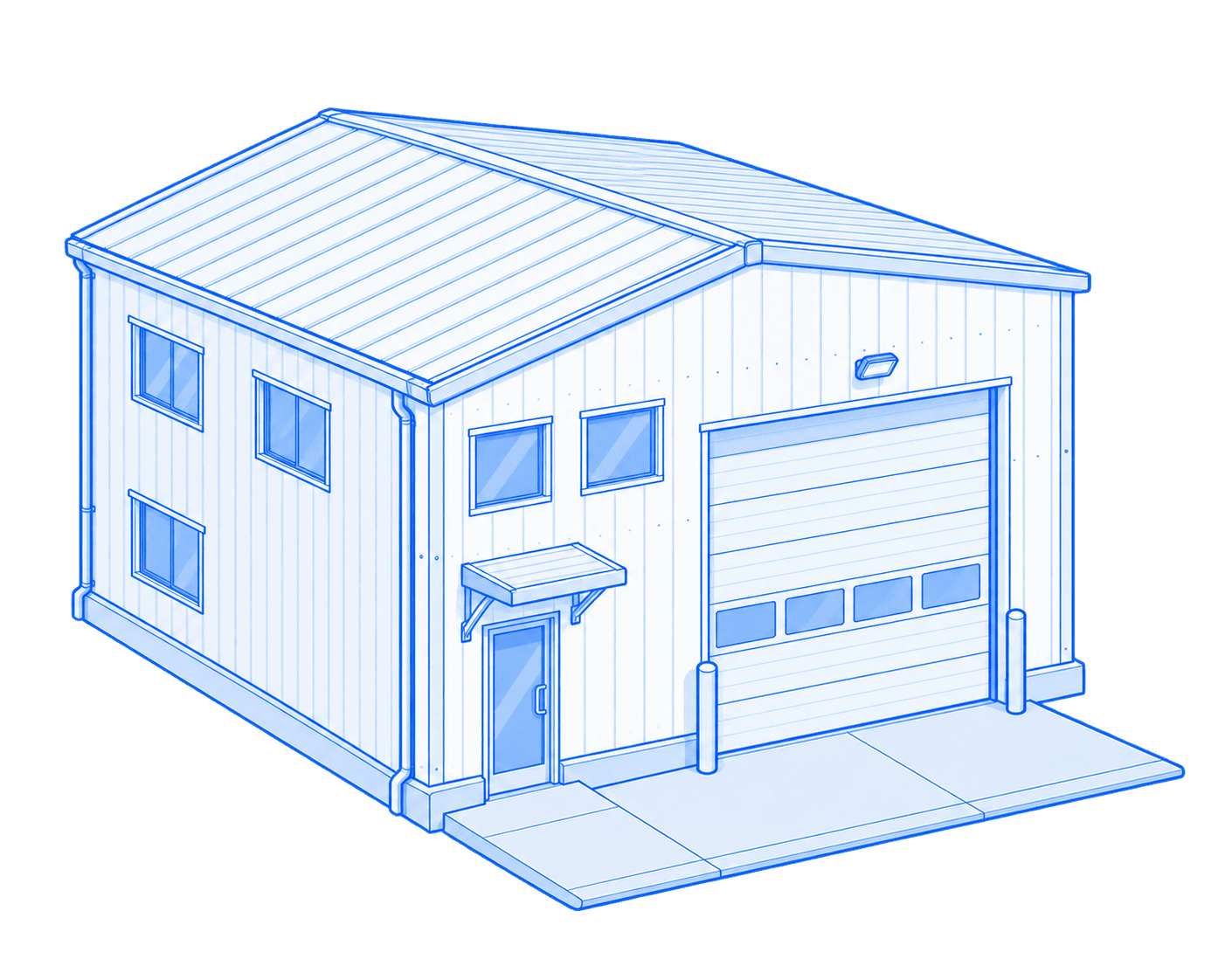
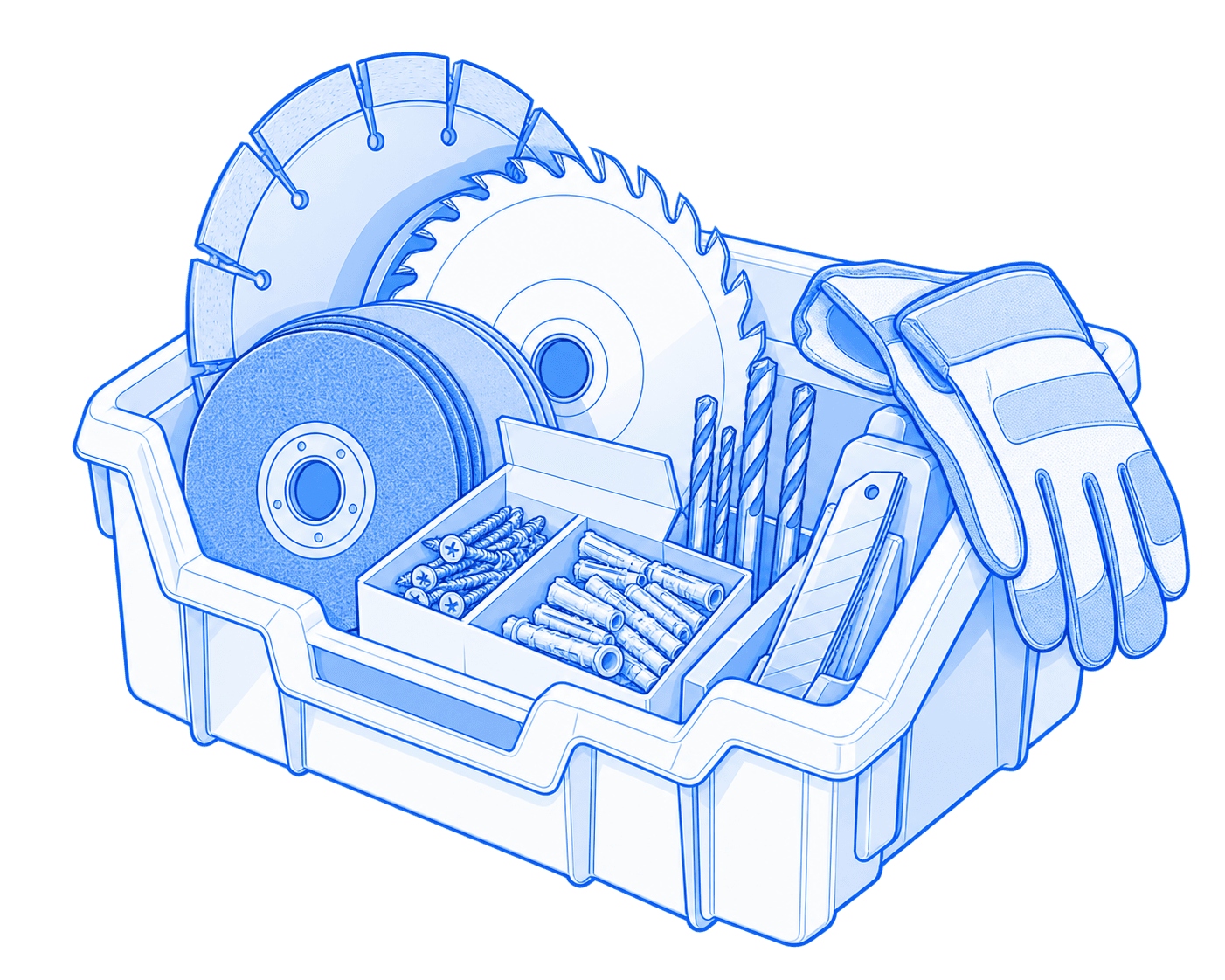
Manage the assets that travel with your fleet too

Frequently asked questions about vehicle and machinery management
What is fleet management software for construction?
It is a tool that centralizes vehicles and machinery with their location, driver or responsible person, jobsite, condition, documents and maintenance history.
Can trucks and machinery be tracked in the same platform?
Yes. Allokit brings road vehicles, trailers, machinery and other equipment together with the company’s tools.
What is the difference between standalone GPS and OBD GPS?
Standalone GPS has its own power source or battery and fits assets such as trailers and machinery. OBD GPS connects to a compatible vehicle and may report additional data.
Which OBD data can be viewed?
Depending on vehicle and device compatibility, Allokit can receive data such as odometer, battery, fuel or selected engine codes.
Can a machine be assigned to a jobsite?
Yes. A machine can be connected to a jobsite, crew or responsible person, then reassigned without losing its history.
Can fleet maintenance be scheduled?
Yes. Inspections, repairs and maintenance can be planned and kept in the vehicle or machine record.
See your fleet and machinery in one view.
Tell us about your vehicles, machines and field needs so we can select the devices and data that are actually useful.
